Best AI Meeting Assistants in 2026: 5 Top Notetakers
Table of Contents
Finding the best AI meeting assistants is the ultimate remedy for call fatigue, messy handwritten scrawls, and the dreaded question: “Wait, who was supposed to do that task?” When you are leading client presentations or coordinating team scrums, trying to take detailed minutes while actively contributing inevitably splits your attention and compromises the conversation.
In 2026, the best AI meeting assistants have outgrown the awkward era of obtrusive, unwanted recording bots joining video calls. Today’s top tools record system audio locally, distinguish between distinct voices, generate formatted executive summaries, and extract actionable next steps directly into your project management pipeline.
We put the leading transcription and intelligence engines through high-stakes sales pitches, partner strategy calls, and cross-functional syncs. Here are our picks for the best AI meeting assistants ranked by attribution accuracy, privacy controls, and workflow integration.
Best AI Presentation Makers in 2026: 5 Top Slide Tools
Quick Comparison: Top AI Meeting Recorders
| Tool | Best For | Core Highlight | Pricing |
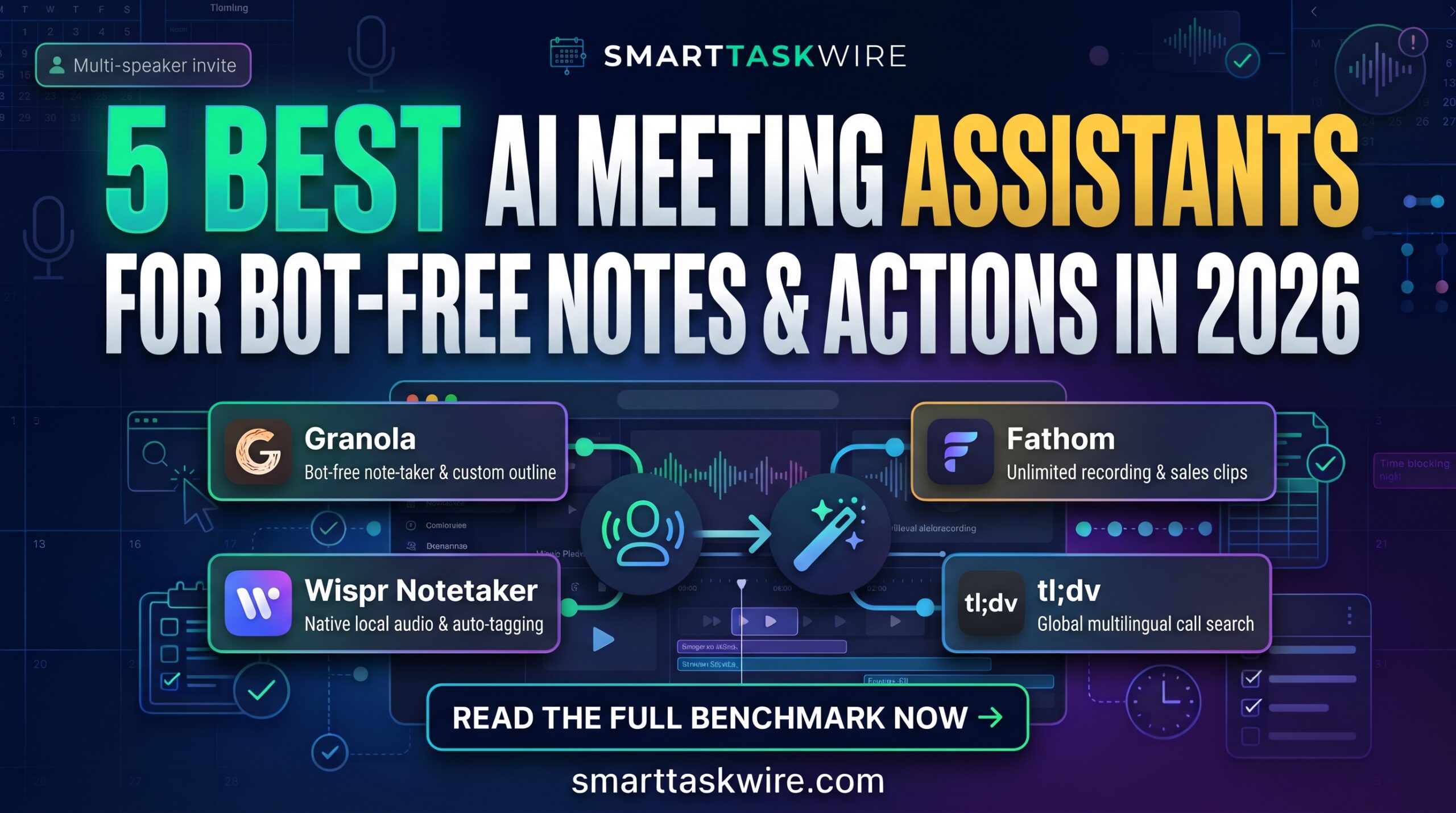
| Granola | Founders & Active Note-Takers | Bot-free local recording that enriches your raw typed jottings | Free tier / $14/mo Pro |
| Wispr Notetaker | Device-Level Privacy | Captures native audio with zero bot joiners and calendar auto-tagging | Included with Flow / Pro plans |
| Fireflies.ai | Enterprise & Multi-Platform Teams | Comprehensive integration with CRMs, Zoom, Meet, and Teams | Free plan / from $10/seat/mo |
| Fathom | Sales Reps & Customer Success | Free unlimited transcription with CRM sync and instant clip playlists | Free tier / from $15/seat/mo |
| tl;dv | Global & Multilingual Teams | AI search across historical meeting catalogs in 40+ languages | Free tier / from $18/mo |
1. Granola: The Best AI Meeting Assistants Tool for Hands-On Thinkers
Best for: Founders, investors, and operators who like jotting down rough thoughts during a call and want AI to flesh out the details.
If you are looking for the best AI meeting assistants that work alongside your natural note-taking habit, Granola has rapidly become the design darling of tech professionals. Instead of dumping an unreadable 10-page transcript on your desk, Granola allows you to write quick, messy fragments during the call, then merges your notes with the audio to generate clean, tailored summaries.
- Key Strengths:
- Bot-Free Audio Capture: Runs on your operating system, capturing audio via your system device so no clunky bot ever enters your call.
- Interactive Enrichment: The AI uses your typed cues as priority signals, ensuring your personal priorities lead the summary.
- Custom Formats: Choose customized templates designed specifically for customer discovery, 1-on-1s, or investor pitches.
- Drawback: Display-name speaker tagging works best on Google Meet and macOS Zoom; other platforms show generic labels.
- Pricing: Free plan available; Pro subscription begins at $14/month.
For professionals who dislike passive automated dumps, Granola stands as one of the best AI meeting assistants currently available.
2. Wispr Notetaker: The Best AI Meeting Assistants Choice for Bot-Free Privacy
Best for: Executives and consultants handling sensitive discussions where guests dislike recording bots.
Many people consider Wispr Notetaker among the best AI meeting assistants because it operates silently on your computer without broadcasting a recording bot into the call window. It reads attendees directly from your calendar invite, maps participant voices, and handles spontaneous, unscheduled conversations just as easily as scheduled meetings.
- Key Strengths:
- Device-Level Capture: Keeps meetings feeling normal by staying completely invisible to other participants.
- Calendar Auto-Sync: Matches calendar metadata to speaker voices to accurately attribute quotes.
- Universal Export: Designed to feed notes directly into language models, downstream project tools, or task managers.
- Drawback: Requires desktop app installation (Mac and Windows supported; mobile apps in roadmap).
- Pricing: Included with Wispr Flow Free and Pro subscriptions.
When maintaining a natural meeting dynamic is essential, Wispr Notetaker represents the best AI meeting assistants privacy option.
3. Fireflies.ai: The Best AI Meeting Assistants Benchmark for Teams & CRMs
Best for: Sales teams, support departments, and multi-department agencies requiring cross-platform tracking.
Fireflies.ai has earned a longstanding reputation among the best AI meeting assistants for teams with complex internal software stacks. Whether your company uses Zoom, Microsoft Teams, Google Meet, or Webex, Fireflies connects to your schedule, records the conversation, and pushes tasks directly into Slack, Notion, Asana, or Salesforce.
- Key Strengths:
- Conversation Analytics: Tracks speaker talk-time ratios, sentiments, monologue lengths, and filler word usage.
- Smart Search Filters: Search your entire team’s meeting history for specific pricing questions, competitors, or metrics.
- Soundbite Playlists: Clip key customer quotes into shareable links for product and marketing teams.
- Drawback: Typically deploys a noticeable recording bot attendee inside the meeting.
- Pricing: Free tier with storage limits; Pro and Business plans start at $10/seat/month.
For operational organizations that need every call logged into a central knowledge system, Fireflies remains one of the best AI meeting assistants.
4. Fathom: The Best AI Meeting Assistants Value for Sales Reps
Best for: Account managers and solopreneurs looking for a free, high-accuracy meeting recorder.
Fathom stands out in the best AI meeting assistants market by offering one of the most capable free tiers available. Users receive unlimited call recordings and transcriptions without rigid monthly time limits. During a conversation, clicking a single button lets you mark a moment, prompting Fathom to clip that passage and add it to your post-meeting recap.
- Key Strengths:
- Generous Free Access: Free unlimited recording, transcriptions, and summary generations.
- CRM Synchronization: Auto-generates structured deal notes and syncs them into HubSpot, Salesforce, or Close.
- One-Click Bookmarks: Highlight critical takeaways in real time without losing conversational momentum.
- Drawback: Advanced automated workflows and team CRM automations require upgraded plans.
- Pricing: Free version available; Pro and Team tiers start at $15/seat/month.
For customer-facing professionals who want immediate value without friction, Fathom is easily the best AI meeting assistants solution on a budget.
5. tl;dv: The Best AI Meeting Assistants Solution for Multilingual Companies
Best for: Remote, distributed teams holding meetings across varied time zones and international languages.
When evaluating the best AI meeting assistants for asynchronous global operations, tl;dv (Too Long; Didn’t View) is a major standout. It excels at capturing video footage and translating conversations in over 40 languages, enabling remote team members to search cross-company transcripts and catch up on missed discussions in minutes.
- Key Strengths:
- Global Language Support: Transcribes and translates international audio across 40+ spoken dialects.
- Timestamped Multi-Meeting Search: Ask questions across all recorded company calls to surface every instance a product was discussed.
- Video Clip Library: Turn long 60-minute calls into 30-second video reels for quick team updates.
- Drawback: The free plan archives older meeting data after a designated period.
- Pricing: Free plan available; Pro tier starts at $18/seat/month.
If you work on an international team with staggered hours, tl;dv provides the best AI meeting assistants environment for asynchronous productivity.
How to Build an Automated Meeting Workflow
Pairing the best AI meeting assistants with other tools in your productivity stack turns routine conversations into structured business assets:
- Protect Focus Blocks: Balance your call schedule and reserve uninterrupted working hours using our picks for the Best AI Scheduling Tools.
- Draft Instant Follow-Up Emails: Feed meeting action items into our top-rated Best AI Email Assistants to send professional recaps in seconds.
- Automate Web Lookups: Delegate research tasks mentioned during your calls to the Best AI Browser Agents.
Implementing the best AI meeting assistants keeps you fully present during calls while ensuring every decision and action item is accurately preserved.