
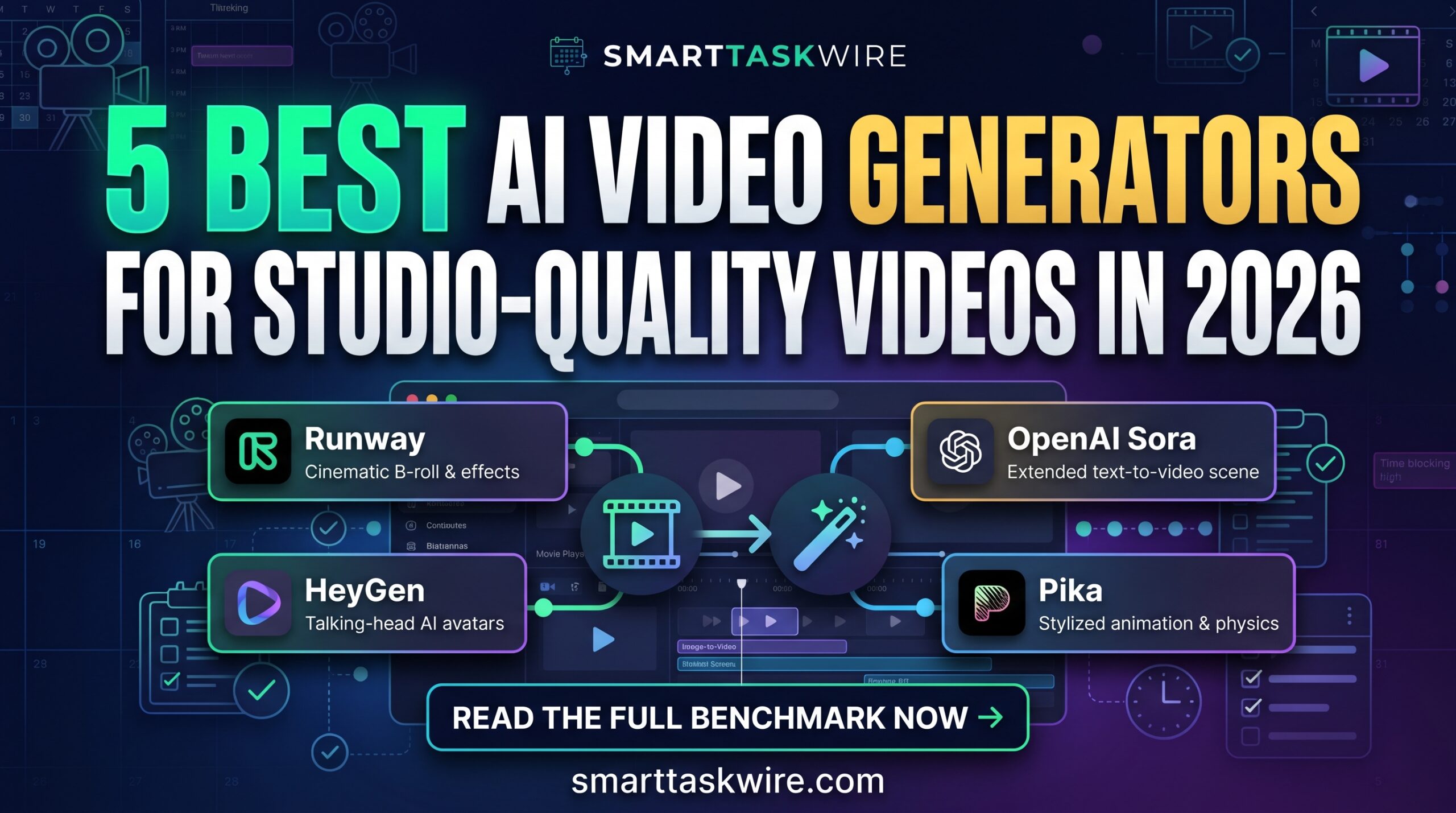
Best AI Video Generators in 2026: 5 Top Video Creators
Table of Contents
Finding the best AI video generators has become critical for creators, marketers, and businesses facing the intense demand for video content. Traditional video production demands cameras, lighting setups, sound gear, professional editing software, and hours of rendering time—making regular video publishing unsustainable for solo creators and small teams.
In 2026, the best AI video generators have transformed from awkward, glitchy experiments into high-fidelity production suites. Today’s generative video engines generate cinematic camera motion, photo-realistic human avatars with perfect lip synchronization, and end-to-end narrated short-form videos directly from a simple text prompt.
We tested the leading video creation engines across commercial tasks—from YouTube explainer shorts to corporate training videos. Here are our picks for the best AI video generators ranked by video realism, production speed, and real-world workflow efficiency.
Best AI Copywriting Tools in 2026: 5 Top Marketing Apps
Quick Comparison: Top AI Video Generators
| Tool | Best For | Core Highlight | Pricing |
| Runway (Gen-3 Alpha) | Cinematic B-Roll & Visual Effects | World-class camera motion and photo-realistic visual styling | Free tier / from $12–$15/mo |
| HeyGen | Talking-Head & Spokesperson Videos | Hyper-realistic AI avatars with multilingual lip-sync | Free tier (1 credit) / from $24–$29/mo |
| OpenAI Sora | Extended Text-to-Video Scenes | Complex physical interactions and cinematic scene transitions | Tiered subscription access |
| InVideo AI | Automated Script-to-Video Workflow | Generates complete edited videos with script, B-roll, and voiceover | Free plan / from $20–$25/mo |
| Pika (Pika 2.0) | Stylized Animation & Physics Effects | Interactive scene manipulation, sound effects, and playful physics | Free tier / from $8–$10/mo |
1. Runway (Gen-3 Alpha): The Best AI Video Generators Leader for Cinematic Visuals
Best for: Filmmakers, creative directors, and video editors needing studio-quality text-to-video scenes.
If you are looking for the best AI video generators to create photorealistic footage, Runway remains the standard. Its Gen-3 Alpha model provides remarkable control over lighting, camera motion, and physical realism. Instead of static-looking pans, Runway renders complex depth-of-field effects, continuous motion, and high-fidelity lighting shifts.
- Key Strengths:
- Precision Camera Control: Define pan, zoom, tilt, and camera speed explicitly with directorial prompts.
- Motion Brush: Paint specific sections of an image to animate only selected elements (e.g., flowing water or moving hair).
- High-Resolution Upscaling: Renders crisp 4K visual assets ready for commercial production.
- Drawback: Requires precise prompting to prevent motion distortions in complex human actions.
- Pricing: Free basic credits on sign-up; Standard plans start at $12 to $15/month.
For sheer visual fidelity and artistic direction, Runway stands as one of the best AI video generators available.
2. HeyGen: The Best AI Video Generators Choice for Talking-Head Videos
Best for: Corporate trainers, educators, and marketers who need human presenters without booking studio time.
Traditional video shoots require talent, microphones, and retakes. HeyGen solves this completely, earning its place among the best AI video generators for commercial explainer content. By selecting from a library of digital avatars—or creating a digital clone of yourself—HeyGen turns written scripts into realistic talking-head videos with natural facial expressions.
- Key Strengths:
- Studio-Grade Lip Syncing: Matches mouth movements and facial micro-expressions precisely to the audio track.
- Instant Video Translation: Translates existing videos into 40+ languages while matching the speaker’s original voice and mouth movements.
- Custom Instant Avatars: Record a 2-minute webcam sample to produce a reusable personal avatar.
- Drawback: Avatars are designed primarily for stationary presentation rather than dynamic full-body action.
- Pricing: Free tier includes 1 credit; Creator plans start at $24 to $29/month.
When clear verbal presentation matters most, HeyGen is undeniably the best AI video generators platform for business communication.
3. InVideo AI: The Best AI Video Generators Solution for Complete Video Assembly
Best for: Content creators, faceless YouTube channels, and social media managers needing end-to-end videos fast.
While some tools only generate raw 5-second video clips, InVideo AI operates as a full automated production studio. It is widely considered one of the best AI video generators because a single prompt generates a complete video—writing the script, matching stock footage, applying subtitles, and generating natural voiceover narration automatically.
- Key Strengths:
- Prompt-to-Complete-Video: Generates ready-to-publish vertical or horizontal videos with music and titles from one prompt.
- Text-Based Video Editing: Type instructions like “replace the clip in scene 2 with city footage” to edit the timeline instantly.
- Natural AI Voiceovers: Features human-sounding voice clones across diverse accents and tones.
- Drawback: Relies heavily on curated stock footage libraries alongside generative clips.
- Pricing: Free plan with watermarks; Plus plans start at $20 to $25/month.
For solo creators producing regular social content, InVideo AI is one of the best AI video generators for rapid turnaround.
4. OpenAI Sora: The Best AI Video Generators Model for Narrative Physics
Best for: Creative storytelling, conceptual visualization, and high-fidelity video simulation.
OpenAI Sora elevated expectations across the generative video landscape with its ability to maintain character consistency and physical object interaction across long shots. It stands among the best AI video generators for its understanding of 3D space, reflection physics, and continuous narrative flow.
- Key Strengths:
- World Physics Understanding: Objects interact with environments believably (e.g., shoes leaving accurate indentations in snow).
- Sustained Character Consistency: Characters maintain their appearance and clothes across multi-angle shots.
- Extended Scene Durations: Generates longer cohesive clips without immediate visual decay.
- Drawback: Access is bundled within higher-tier subscriptions with strict rendering queues.
- Pricing: Accessible through premium AI service tiers.
For advanced text-to-video simulations, Sora proves why it is consistently ranked among the best AI video generators.
5. Pika (Pika 2.0): The Best AI Video Generators Utility for Visual Effects
Best for: Social media creators, creative agencies, and animators looking for interactive video manipulation.
Pika specializes in transforming static images and prompt concepts into short, punchy animations. It ranks among the best AI video generators due to its creative effect features—such as “Pikaffects,” which let creators inflate, melt, crush, or dissolve visual objects within video clips.
- Key Strengths:
- Interactive Object Manipulation: Apply physical effect filters directly to any visual element in your video.
- Generative Sound Effects: Automatically synthesizes ambient sound effects matching the visual action on screen.
- Flexible Re-generation: Highlight and edit specific portions of a video frame without starting from scratch.
- Drawback: Primarily geared toward shorter, stylized video clips rather than long-form business narratives.
- Pricing: Free basic tier; Standard plans start at $8 to $10/month.
If you are producing eye-catching social clips, Pika offers the best AI video generators toolkit for playful experimentation.
How to Build an Automated Video Production Workflow
Deploying the best AI video generators creates a scalable content pipeline when connected across your productivity tools:
- Draft Video Scripts: Generate your video hooks and narrative outlines using our top picks from the Best AI Copywriting Tools.
- Dictate Audio Voiceovers: Record your spoken ideas and commentary using the Best AI Voice to Text Tools before uploading to InVideo or HeyGen.
- Turn Slide Decks into Videos: Convert visual presentations from our Best AI Presentation Makers guide into video walk-throughs using AI avatars.
Adopting the best AI video generators eliminates production bottlenecks and allows you to publish studio-quality videos in minutes.