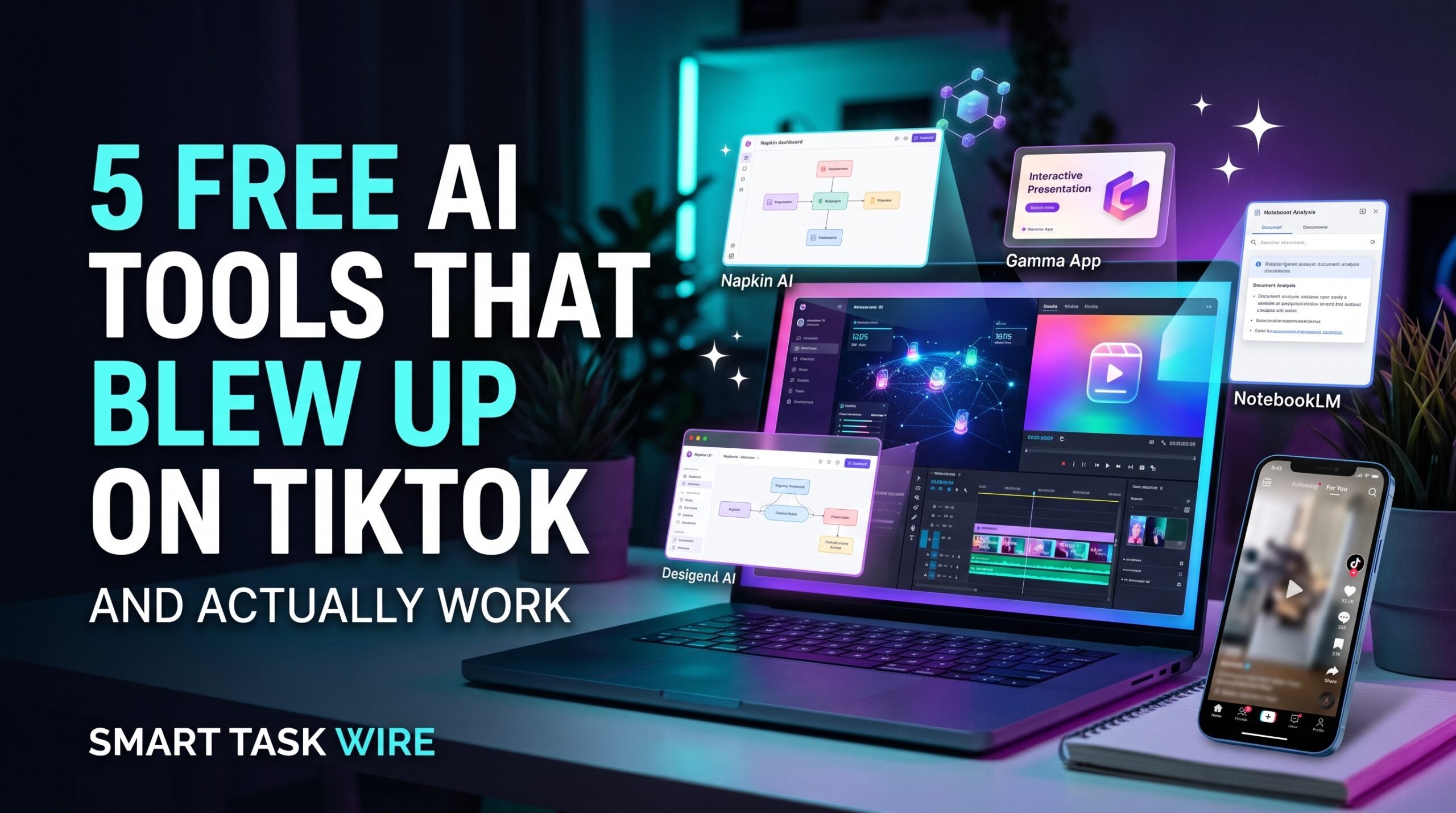
Finding the best free ai tools has become essential for creators, students, and professionals looking to work smarter without expensive monthly subscriptions. Every day, a brand new artificial intelligence app promises to automate your entire workflow, but most turn out to be buggy, paid-only gimmicks.
However, a handful of recent free ai tools that went viral on TikTok and X genuinely deliver on their promises. Each tool highlighted below features a fully functional free tier that helps you summarize complex documents, generate presentations, create visual mind maps, and clean up audio in seconds.
/table of contents
Table of Contents
Why These Free AI Tools Are Dominating Social Feeds in 2026
Short-form video platforms like TikTok have become unexpected launchpads for software discovery. Instead of reading technical changelogs, users watch real-time screen recordings showing an app solving a frustrating task in ten seconds.
The free ai tools featured in this guide went viral for one reason: they eliminate manual busywork immediately. Whether you need automated slide formatting, local document synthesis, or voice enhancement, these utilities offer immediate utility with zero upfront paywalls.
Let’s dive into the five trending platforms and see how they can upgrade your daily productivity stack.
1. Napkin AI: The Instant Text-to-Visual Diagram Generator
Napkin AI gained millions of views on TikTok by solving a problem every writer faces: turning dense paragraphs of text into clear, explanatory business diagrams.
- Best For: Writers, educators, consultants, and marketing teams who need fast infographics.
- How It Operates: Paste your rough notes, documentation, or blog drafts into the canvas. Click the spark icon next to any paragraph, and Napkin generates flowcharts, Venn diagrams, mind maps, and comparison matrices instantly.
- Key Feature: Vector Customization. Every generated diagram remains completely customizable. You can adjust colors, replace icons, re-order connectors, and export in crisp SVG or PNG formats.
- External Resource: Explore visual workflow generation on the official Napkin AI Studio.
- Free Tier Details: Free access includes generous monthly generation credits and standard diagram exports.
2. Google NotebookLM: The Ultimate Free AI Document Assistant
While standard chatbots often hallucinate figures when given long documents, NotebookLM uses strict source-grounded intelligence to interrogate complex files.
- Best For: Researchers, graduate students, and analysts managing long PDF whitepapers and lecture transcripts.
- How It Operates: You upload up to 50 source documents (PDFs, Google Docs, or text files). NotebookLM answers questions strictly based on your uploaded material, providing clickable citations that jump directly to the exact page.
- Key Feature: “Audio Overviews.” With one click, NotebookLM transforms dense 40-page technical documents into an engaging, podcast-style audio conversation between two AI hosts.
- Internal Resource: To compare this against enterprise research engines, read our guide on the best AI research tools for PDF analysis.
- Free Tier Details: 100% free with a standard Google account.
3. Gamma App: The Best Free AI Presentation and Slide Builder
Gamma blew up on productivity TikTok because it reimagines how presentations are created and shared on the modern web.
- Best For: Founders pitching ideas, educators, and teams needing interactive slide decks in minutes.
- How It Operates: Provide a single sentence prompt, upload an outline, or drop in a webpage link. Gamma drafts the content structure, arranges visual cards, and applies an editorial theme automatically.
- Key Feature: Fluid Visual Web Cards. Unlike rigid PowerPoint slides, Gamma decks act like interactive mini-websites that adjust smoothly across mobile and desktop displays.
- Internal Resource: For an in-depth breakdown of competing slide generators, check out our review of the best AI presentation tools to create slides.
- Free Tier Details: New users receive 400 free AI credits upon signup, which is plenty to create multiple complete decks.
4. Adobe Podcast AI (Enhance Speech): Studio-Quality Mic Audio for Free
Poor audio quality ruins video content faster than poor video resolution. Adobe Podcast went viral for turning cheap smartphone microphone recordings into rich, studio-quality sound.
- Best For: Podcasters, remote workers taking calls in noisy rooms, and content creators.
- How It Operates: Drag and drop any voice recording (WAV or MP3) into the web app. Adobe’s neural engine strips out room echo, barking dogs, fan noise, and mic hum while boosting vocal frequencies.
- Key Feature: One-Click Vocal Enhancement. The AI doesn’t just reduce background noise; it reconstructs lost vocal harmonics to make voice notes sound like they were recorded in a professional soundproof booth.
- External Resource: Test your microphone audio directly on the Adobe Podcast Enhance web app.
- Free Tier Details: Offers free daily audio processing for files up to 30 minutes in length.
5. Perplexity AI: The Search Engine That Cites Real-Time Answers
Perplexity gained immense traction on TikTok as a modern alternative to traditional search engines cluttered with affiliate ads and blue links.
- Best For: Quick fact-checking, technical troubleshooting, and daily research.
- How It Operates: Ask complex questions in natural language. Instead of a list of links, Perplexity browses the live internet, synthesizes the best information, and delivers a concise answer with numbered citations linked directly to live sources.
- Key Feature: Focused Search Domains. You can restrict searches to Academic literature, YouTube transcripts, Reddit discussions, or the broader web.
- Internal Resource: Learn how to pair search tools with automated workflows in our tutorial on how to build an automated daily briefing with AI.
- Free Tier Details: Unlimited standard searches on the free tier with basic model synthesis.
Feature Comparison: The Best Free AI Tools Tested
| Tool Name | Core Specialization | Primary Format | Best Use Case | Free Tier Limit |
| Napkin AI | Text-to-diagrams | Visual graphics & SVG | Transforming text into flowcharts | Generous monthly credits |
| NotebookLM | Document synthesis | Interactive text & audio | Hallucination-free PDF research | 100% Free |
| Gamma App | Presentation creation | Slides & interactive docs | Fast investor and pitch decks | 400 free signup credits |
| Adobe Podcast | Vocal audio mastering | WAV / MP3 enhancement | Removing background noise & echo | 30 mins per file free |
| Perplexity | Conversational search | Cited answers & summaries | Replacing manual web searches | Unlimited standard search |
How to Get Maximum Value from Free AI Tools
To get the most out of these viral platforms without upgrading to paid tiers, consider these tips:
- Stack Tools Together: Use Perplexity to gather raw facts, drop them into NotebookLM for deeper synthesis, and use Gamma or Napkin to turn the findings into client-ready visuals.
- Review Privacy Disclosures: Never upload sensitive company financials or proprietary client code into public web tools unless you have verified their data training policies.
- Draft in Dedicated Workspaces: Keep your initial drafts inside structured AI note-taking apps before pasting them into generative slide or diagram engines.
Frequently Asked Questions About Free AI Tools
Are these viral TikTok AI tools safe to use?
Yes. The platforms featured in this guide—including Google NotebookLM and Adobe Podcast—are built by reputable software organizations with standard web encryption protocols.
Do free AI tools sell your uploaded data?
Most reputable platforms use uploaded content solely to fulfill your prompt requests. However, always check the privacy settings to ensure you opt out of having your data used for future model training.
Which free AI tool saves the most time?
For document analysis, Google NotebookLM saves hours of reading. For visual content, Gamma App eliminates the entire slide design process.
Final Recommendation
You do not need an expensive budget to build a modern productivity stack.
- If you need to turn notes into clean visuals, use Napkin AI.
- If you have complex PDFs to read, upload them to Google NotebookLM.
- If you need polished slides fast, open Gamma App.
- If you need clean audio, run your voice notes through Adobe Podcast.
Deploying these free ai tools strategically gives you enterprise-grade output while keeping your subscription overhead at zero.