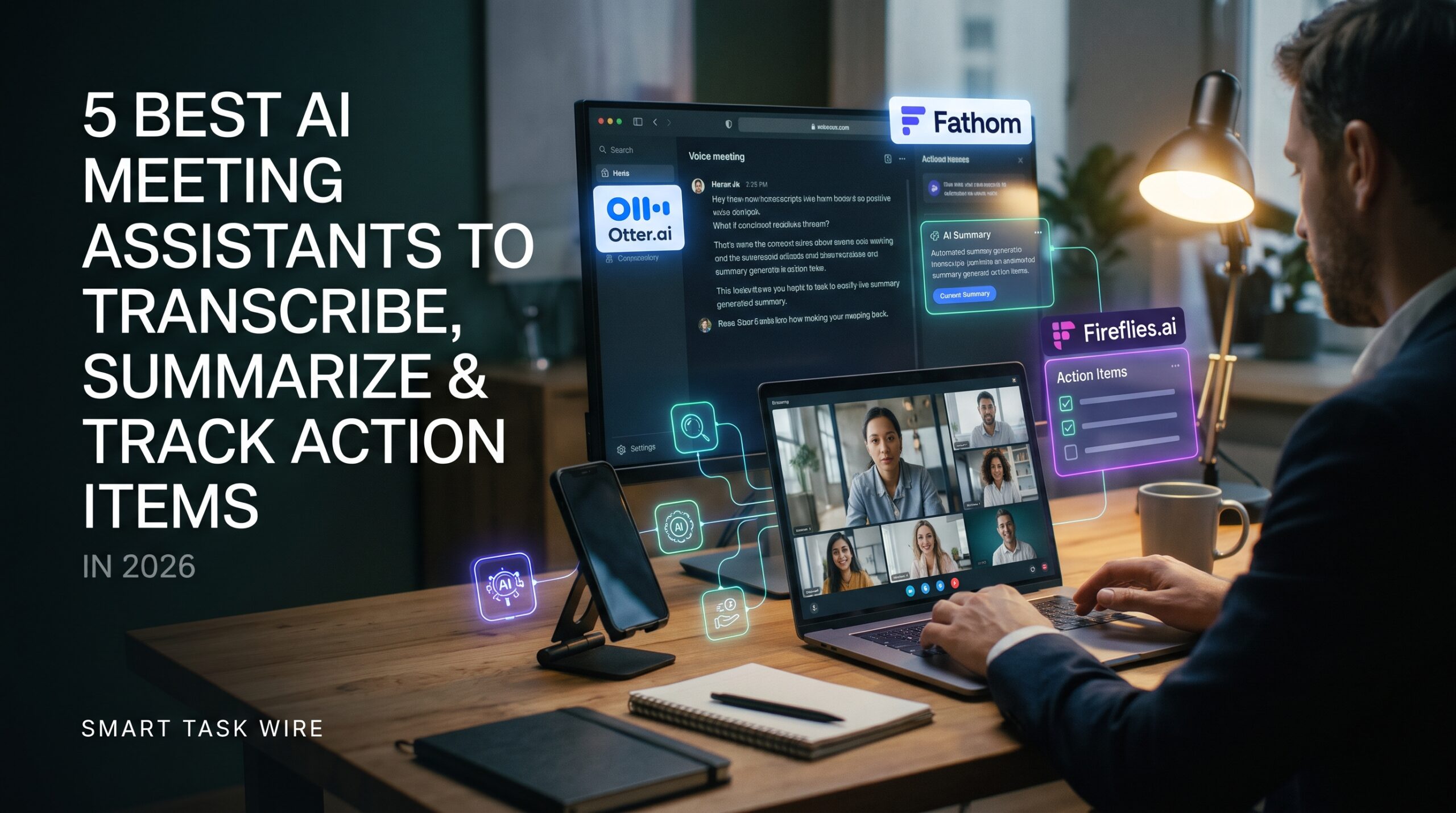
Finding the best ai meeting assistants has become essential for anyone spending more than five hours a week on video calls, client reviews, or internal team check-ins. Taking manual notes during a live conversation forces you to split your attention between active listening and furiously typing shorthand bullet points. Worse, key commitments and follow-up deadlines frequently slip through the cracks once the call disconnects.
Instead of assigning a team member to take rough minutes, deploying the best ai meeting assistants allows you to stay fully engaged in conversations. Modern voice intelligence platforms capture multi-party audio, differentiate individual speakers, produce timestamped transcripts, and distill lengthy 45-minute discussions into concise, bulleted executive action plans within sixty seconds.
Whether your team relies on Zoom, Microsoft Teams, or Google Meet, choosing the right assistant depends on your privacy standards, CRM integration needs, and workflow preferences. In this benchmark, we test and rank the top five tools designed to transcribe, summarize, and automate meeting follow-ups.
Why Modern Teams Rely on the Best AI Meeting Assistants
Table of Contents
Video meetings are a cornerstone of remote collaboration, but unstructured meeting archives create significant operational drag. Searching through dozens of cloud video recordings to find a single client agreement is impractical.
When organizations adopt the best ai meeting assistants, conversations transform from ephemeral audio into searchable, structured organizational knowledge:
- Automated Action Item Extraction: Advanced models parse conversational context to distinguish casual suggestions from firm commitments, generating assigned to-do lists automatically.
- Semantic Cross-Meeting Search: Instead of guessing call dates, you can query your entire conversation history using natural language (e.g., “What pricing tier did the enterprise lead approve last month?”).
- CRM and Task Management Sync: Summaries, call recordings, and client sentiment scores flow directly into HubSpot, Salesforce, Notion, or Slack without manual copying and pasting.
Implementing these systems saves hours of post-meeting administration while keeping every stakeholder aligned.
1. Fireflies.ai: Best for Enterprise Search, CRM Sync, and Team Collaboration
Fireflies.ai is a leading platform for revenue teams, sales organizations, and multi-department businesses requiring comprehensive conversation archives.
- Primary Strength: Deep CRM integration, customizable topic trackers, and searchable cross-meeting archives.
- How It Operates: Fireflies joins meetings across Zoom, Google Meet, Teams, and Webex via a silent bot or direct calendar invitation. It transcribes calls in real time and indexes transcripts into an encrypted, searchable workspace.
- Standout Feature: “AskFred” Intelligence. This embedded conversational assistant allows you to chat with past meetings. You can ask Fred to draft a follow-up email, extract technical constraints, or generate a customized Slack recap directly from the call transcript.
- Integrations: Direct syncing to HubSpot, Salesforce, Slack, Notion, Asana, and thousands of apps via webhook workflows.
- External Resource: Explore transcript search and CRM automation on the official Fireflies.ai platform.
- Pricing Structure: Free plan with basic recording credits; paid tiers start at $10/user/month billed annually.
2. Granola: Best for Active Note-Takers and Discreet Bot-Free Recording
Granola is designed specifically for founders, executives, and interviewers who prefer taking their own rough notes without a visible third-party bot sitting in the call.
- Primary Strength: Bot-free desktop audio capture and hybrid human-AI note enhancement.
- How It Operates: Granola runs as a lightweight native desktop application on Mac and Windows. It captures internal system audio directly from your sound card, meaning no bot appears in the attendee list.
- Standout Feature: Contextual Note Expansion. As you jot down rough 2-word bullet points during a call, Granola’s AI correlates your notes against the audio transcript, expanding your shorthand into a comprehensive, polished summary that matches your personal writing voice.
- Internal Resource: To connect meeting action items into your daily routine, see our tutorial on how to build an automated daily briefing using AI.
- Pricing Structure: Generous free tier with standard meeting credits; Pro plans start at $14/month.
3. Fathom: Best Free Option for Zoom and Google Meet Power Users
Fathom has built a loyal following among solo entrepreneurs, consultants, and small agencies thanks to its generous free tier.
- Primary Strength: Unlimited free meeting recording and automated CRM data sync.
- How It Operates: Fathom connects to Zoom, Google Meet, or Microsoft Teams. During calls, clicking a bookmark button immediately tags the preceding thirty seconds as an important highlight for your post-call review.
- Standout Feature: Instant Post-Call Delivery. The moment your meeting ends, Fathom generates a timestamped summary, full transcript, and action-item checklist before you even close your laptop.
- Internal Resource: If you frequently distill research whitepapers alongside client calls, explore the best AI research tools for PDF analysis.
- Pricing Structure: Free plan provides genuinely unlimited recording and transcription; Team Pro plans start at $15/user/month for advanced CRM logging.
4. Otter.ai: Best for Real-Time Live Transcription and In-Person Meetings
Otter.ai remains one of the original and most recognized names in voice intelligence, excelling at real-time closed captioning and in-person audio capture.
- Primary Strength: Live collaborative transcription, speaker diarization, and mobile app flexibility.
- How It Operates: Otter connects to virtual calendars to record online video meetings, but its iOS and Android mobile apps also make it a practical tool for recording in-person board meetings, university lectures, and coffee chats.
- Standout Feature: Live In-Meeting Collaboration. Attendees can open the live Otter transcript in a browser window during the call to highlight quotes, add comments, and assign action items in real time.
- External Resource: Check mobile audio transcription features on the verified Otter.ai portal.
- Pricing Structure: Free plan includes 300 monthly transcription minutes; Pro tiers start at $8.33 to $10/user/month billed annually.
5. Read AI: Best for Cross-Platform Meeting Analytics and Engagement Metrics
Read AI takes a broader approach by analyzing not just what was said, but how participants engaged throughout the conversation.
- Primary Strength: Meeting sentiment analysis, talk-time balance, and cross-channel context linkage.
- How It Operates: Read AI joins meetings across major conferencing tools and runs background analytics to score participant engagement, sentiment trends, and talk-to-listen ratios.
- Standout Feature: Cross-Platform Context Reconciliation. Read AI links insights across your video meetings, email threads, and messaging channels to surface related discussions automatically.
- Internal Resource: For teams looking to eliminate text-heavy email back-and-forth entirely, pair meeting tools with top-rated AI email assistants to automate your inbox.
- Pricing Structure: Free tier offers basic monthly summaries; paid plans start at $19.75/user/month.
Comparison: The Best AI Meeting Assistants Compared
To identify which of the best ai meeting assistants fits your communication style, review this side-by-side feature matrix:
| Tool Name | Core Specialization | Bot Presence | Primary Platforms | Best Practical Use Case |
| Fireflies.ai | Enterprise CRM & Search | Virtual Bot | Zoom, Meet, Teams, Webex | Sales teams & corporate archives |
| Granola | Hybrid Personal Notes | Bot-Free (Local) | Mac & Windows Desktop | Founders, executives & active typists |
| Fathom | Turnkey Free Summaries | Virtual Bot | Zoom, Google Meet, Teams | Solopreneurs & client consulting |
| Otter.ai | Live Closed Captions | Bot & Mobile App | Web, iOS, Android, Zoom | In-person meetings & lectures |
| Read AI | Engagement Analytics | Virtual Bot | Zoom, Meet, Teams, Webex | Team coaches & department heads |
How to Maximize Value from AI Meeting Assistants
Adopting new software requires establishing clear team etiquette to maintain collaboration efficiency:
- Inform Meeting Participants: Always provide notice that an AI assistant is recording or transcribing the call to ensure compliance with regional recording consent laws.
- Review Action Items Before Closing: Reserve the final two minutes of every call to verbally summarize to-dos. This guarantees the AI captures explicit task assignments accurately.
- Organize Outputs in a Knowledge Base: Route generated summaries directly into structured AI note-taking systems to maintain an organized, central company brain.
Frequently Asked Questions About the Best AI Meeting Assistants
Are AI meeting assistants safe for confidential client calls?
Leading platforms use enterprise-grade encryption (SOC 2 Type II compliance) and allow workspace administrators to opt out of having audio or transcripts used for model training. For sensitive client work, choose bot-free desktop tools like Granola that capture system audio locally without inviting a cloud bot to the room.
Can these tools distinguish between different speakers?
Yes. Modern speech models utilize speaker diarization, which analyzes acoustic frequencies to label who is speaking throughout the transcript.
Do I need to pay for an assistant if Zoom has built-in AI?
Zoom’s built-in AI Companion provides basic summaries, but standalone assistants like Fireflies and Fathom offer superior CRM integrations, cross-platform support (working across both Meet and Teams), and natural-language search across your entire conversation library.
Final Recommendation
You no longer need to sacrifice focus during important conversations to keep comprehensive notes.
- If you need deep CRM integration and searchable multi-year archives, choose Fireflies.ai.
- If you want bot-free recording that polishes your personal notes, install Granola.
- If you want an unlimited, completely free tool for Zoom and Meet calls, get Fathom.
Deploying one of the best ai meeting assistants ensures you remain present in discussions while leaving transcription, summarization, and task tracking to automated intelligence.