
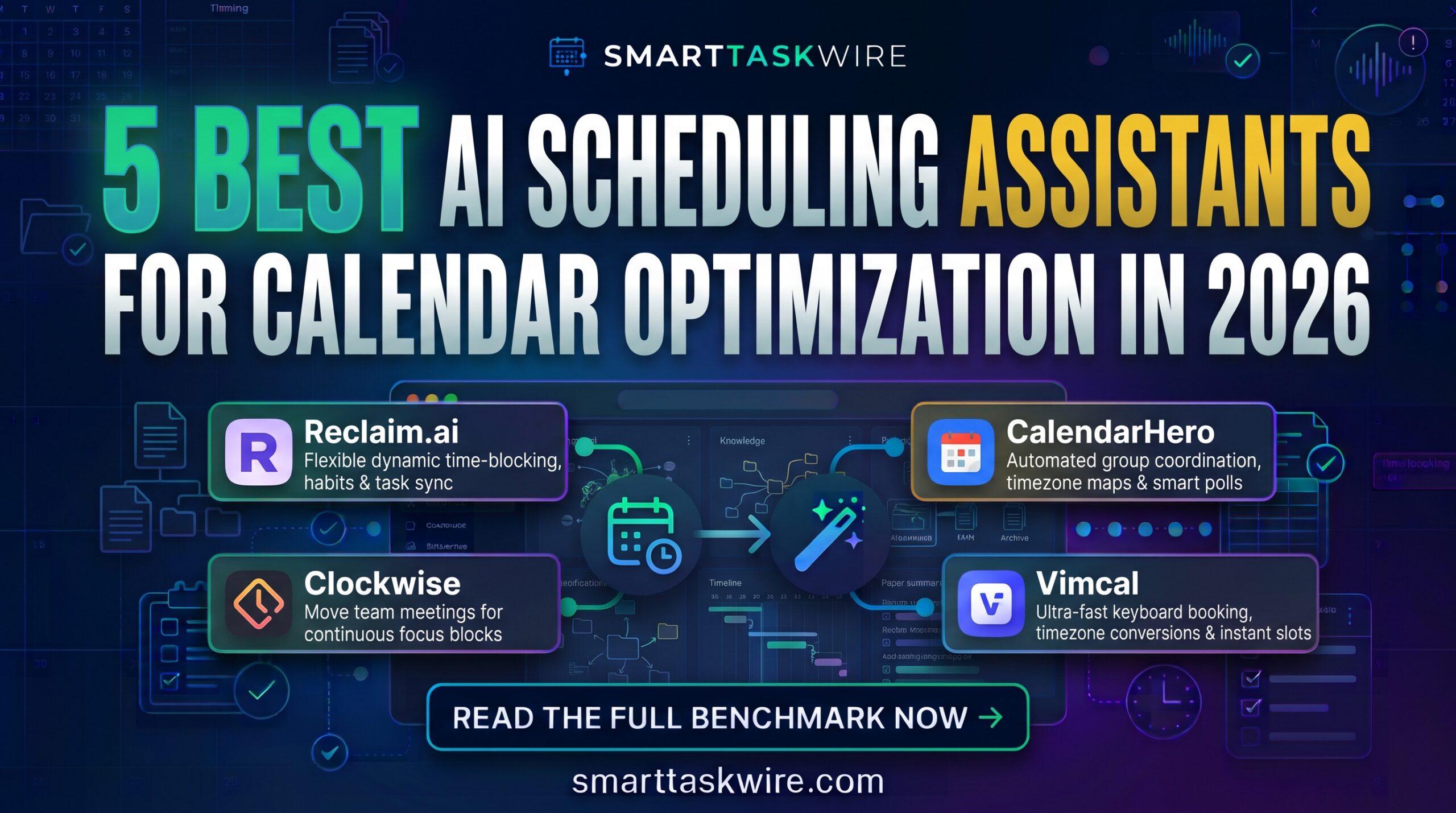
Best AI Scheduling Assistants in 2026: 5 Top Calendar Apps
Table of Contents
Finding the best AI scheduling assistants has become a crucial move for busy professionals, founders, and distributed teams looking to take back control of their daily agendas. For years, booking a simple 30-minute meeting meant sending dozens of back-and-forth emails or handing someone a static booking link that treated every open slot on your calendar as fair game for disruption.
In 2026, the best AI scheduling assistants act like proactive executive coordinators. Rather than passively displaying open white space, modern scheduling tools analyze your meeting habits, dynamically shield blocks for deep focus work, automatically resolve double-bookings, and reshuffle priorities when an unexpected client emergency arises.
We evaluated the top smart calendar platforms across real-world workloads—from cross-timezone team coordination to multi-project task balancing. Here are our top picks for the best AI scheduling assistants ranked by algorithmic flexibility, calendar sync reliability, and habit-tracking intelligence.
Quick Comparison: Top AI Scheduling Platforms
| Tool | Best For | Core Highlight | Pricing |
| Reclaim.ai | Habit & Focus Protection | Flexible time-blocking for routines, habits, and tasks on Google Calendar | Free tier / from $8/mo |
| Clockwise | Team Focus & Meeting Moves | Algorithmic “Focus Time” optimizer that rearranges team calls automatically | Free tier / from $6.75/user/mo |
| Motion | Dynamic Task-to-Calendar Sync | Auto-schedules project tasks directly into your calendar gaps based on deadlines | 7-day trial / from $19/mo |
| CalendarHero | Complex Multi-Party Meetings | Smart meeting routing and automated attendee polls across multiple timezones | Free basic / from $8/mo |
| Vimcal | Ultra-Fast Keyboard Booking | Lightning-quick executive calendar with native timezone converters and AI slots | 14-day trial / from $15/mo |
1. Reclaim.ai: The Best AI Scheduling Assistants Leader for Focus Time and Habits
Best for: Solopreneurs, engineers, and product leaders who struggle to maintain daily routines alongside heavy meeting loads.
If you are hunting for the best AI scheduling assistants to protect your workday from constant meeting sprawl, Reclaim.ai is an industry-leading favorite. Rather than locking appointments in stone, Reclaim treats your calendar entries as “adaptive blocks.” It automatically reserves time for habits (like lunch, exercise, or inbox zero) and keeps those blocks marked as free until your day fills up, only locking them down as busy when you are at risk of losing that time.
- Key Strengths:
- Adaptive Habits Engine: Schedules recurring routines dynamically based on meeting availability each day.
- Integrated Task Rescheduling: Pulls deadlines from Asana, Todoist, ClickUp, or Jira and plots working blocks directly onto Google Calendar.
- Smart 1:1 Meetings: Reschedules recurring internal check-ins to mutual open gaps if an urgent client call interrupts the original slot.
- Drawback: Primarily built for Google Calendar environments, with limited Microsoft Outlook integration features.
- Pricing: Free Forever tier available with basic habits; Starter plans start at $8/user/month.
For workers who want to balance deep focus hours with flexible meeting availability, Reclaim.ai represents the best AI scheduling assistants choice.
2. Clockwise: The Best AI Scheduling Assistants Solution for Distributed Teams
Best for: Fast-moving engineering, design, and product departments that need uninterrupted blocks of team focus time.
One isolated 15-minute meeting in the middle of an afternoon can shatter two hours of productive focus. Clockwise establishes its status among the best AI scheduling assistants by coordinating schedules across entire departments simultaneously. Its engine scans your organization’s calendars and moves flexible internal meetings together to create long, continuous stretches of uninterrupted “Focus Time.”
- Key Strengths:
- Autonomous Meeting Shifting: Moves eligible team meetings automatically to create longer contiguous blocks of deep work.
- Smart Timezone Management: Negotiates fair meeting windows for remote team members distributed across disparate global regions.
- Slack Status Synchronization: Updates your Slack status to “In Focus Time” or “In a Meeting” automatically to suppress notifications.
- Drawback: Delivers its best results when adopted company-wide rather than by a single individual user.
- Pricing: Free plan for small teams; Teams plan starts at $6.75/user/month.
When entire departments need to reclaim uninterrupted working stretches, Clockwise stands out as the best AI scheduling assistants platform.
3. Motion: The Best AI Scheduling Assistants Utility for Task Execution
Best for: Freelancers, busy agency executives, and founders balancing heavy to-do lists against strict meeting schedules.
Traditional calendar apps leave you guessing when you will actually execute your tasks. Motion breaks through the clutter in the best AI scheduling assistants arena by blending task tracking directly with calendar management. You simply list your deliverables, priority levels, and expected work duration, and Motion builds an algorithmic daily timeline to ensure you hit every commitment.
- Key Strengths:
- Algorithmic Schedule Adjustments: Recalculates your entire day immediately if a client meeting runs over or an emergency arises.
- Deadline Safeguards: Alerts you proactively if incoming appointments will cause an active project milestone to miss its target date.
- Unified Workspace View: Merges project boards, scheduled appointments, and daily task lists on a single intuitive dashboard.
- Drawback: Higher price point than single-purpose calendar tools, with no permanent free tier.
- Pricing: 7-day free trial; individual plans begin around $19/month (billed annually).
For operators needing an assistant that dictates exactly what to work on next, Motion is the best AI scheduling assistants option available.
4. CalendarHero: The Best AI Scheduling Assistants Tool for Group Coordination
Best for: Hiring managers, sales departments, and client success leads booking complex multi-attendee sessions.
Coordinating meetings with five external stakeholders across three different organizations can result in massive email threads. CalendarHero ranks among the best AI scheduling assistants by automating the heavy lifting of group availability polls, video room links, and client briefing dossiers.
- Key Strengths:
- Intelligent Group Scheduling: Evaluates real-time availability across internal teams and external prospects to find instant overlap.
- Pre-Meeting Attendee Profiles: Generates automated background briefings on meeting attendees before customer discovery calls.
- Natural Language Bot: Schedule appointments directly by pinging commands inside Slack, Microsoft Teams, or chat interfaces.
- Drawback: The user interface can feel dense when configuring deep conditional routing logic.
- Pricing: Free basic account; Professional plans start at $8/month.
If your role centers on scheduling candidate interviews or client sales calls, CalendarHero is one of the best AI scheduling assistants on the market.
5. Vimcal: The Best AI Scheduling Assistants App for Keyboard Speed
Best for: Founders, executives, and power users who value speed, hotkeys, and rapid slot-sharing.
Billed as the calendar equivalent of Superhuman, Vimcal is widely recognized in the best AI scheduling assistants category for its lightning-fast UX. Designed from scratch with keyboard shortcuts, Vimcal allows power users to drag open slots, convert timezones globally, and generate meeting links in seconds without reaching for the mouse.
- Key Strengths:
- Instant Slot Copying: Highlight empty slots on your calendar to paste clean, plain-text invite proposals directly into an email draft.
- Global Timezone Converter: Type any city or country name to view instant time-translation lines across overlapping teams.
- AI Booking Assistant (Puco): Generates availability links with specific buffer parameters tailored to the recipient’s tier.
- Drawback: Built primarily for rapid personal scheduling rather than enterprise-wide meeting defragmentation.
- Pricing: 14-day free trial; plans start at $15/month.
For executives who live in their calendar and value extreme keyboard speed, Vimcal is an indispensable entry among the best AI scheduling assistants.
How to Build an Autonomous Scheduling Stack
Pairing the best AI scheduling assistants with other automated tools turns your working hours into an optimized productivity loop:
- Capture Call Takeaways: Link your calendar bookings to our top picks for the Best AI Meeting Assistants to record, transcribe, and summarize every session automatically.
- Standardize Incoming Leads: Use our recommended Best AI Workflow Automation Tools to automatically create calendar slots whenever a high-intent prospect submits an inquiry form.
- Turn Meeting Notes into Tasks: Sync calendar commitments directly with your team boards using our guide to the Best AI Project Management Tools.
Implementing the best AI scheduling assistants puts an end to calendar chaos, shields your focus time, and ensures you spend your working hours doing actual deep work rather than booking calls.
Best AI Knowledge Management Tools in 2026: 5 Top Second Brains