Best AI Email Assistants in 2026: 5 Top Inbox Tools
Table of Contents
Finding the best AI email assistants is the only way to escape the constant drain of a cluttered inbox, allowing you to stop spending hours scanning, sorting, and drafting endless messages. For most busy professionals, checking and answering emails consumes over a third of the workday, turning a communication tool into a major bottleneck.
In 2026, the best AI email assistants have progressed far past simple autocompletion and canned responses. Today’s smart email tools understand the context of your ongoing threads, auto-draft customized replies based on your business data, prioritize urgent client messages, and help you reach “Inbox Zero” in minutes instead of hours.
We tested the leading intelligent email platforms through demanding, high-volume workloads—from executive communication triage to client relationship management. Here are our picks for the best AI email assistants ranked by scheduling intelligence, draft accuracy, and overall workflow efficiency.
Quick Comparison: Top AI Email Assistants
| Tool | Best For | Core Highlight | Pricing |
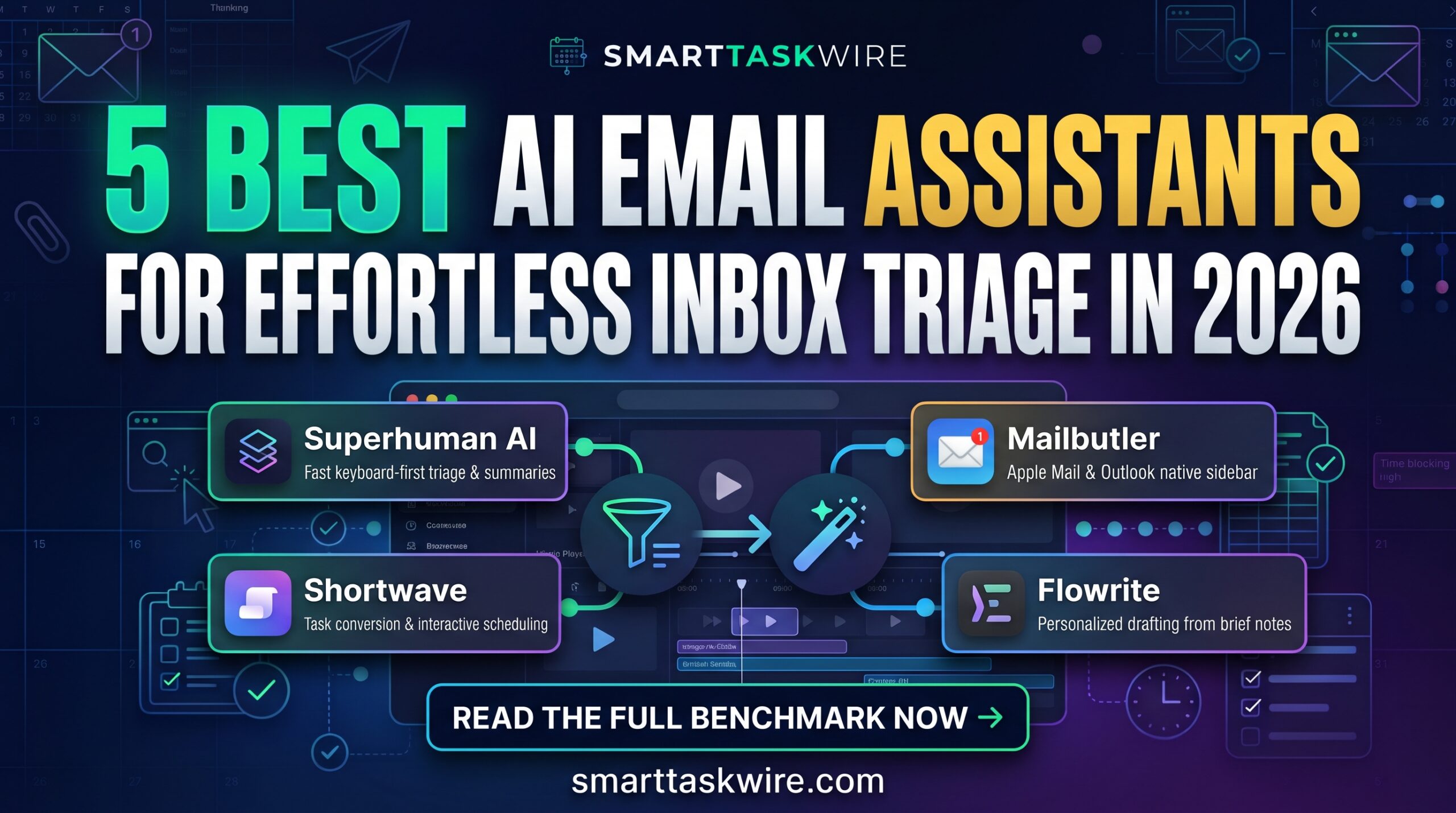
| Superhuman AI | High-Velocity Professionals | Blazing-fast keyboard-first triage with instant AI draft generation | From $30/mo |
| Shortwave | Transforming Gmail into a To-Do List | Thread summarization, automated scheduling, and workspace organization | Free tier / from $9/mo |
| SaneBox | Automatic Background Folder Sorting | Algorithm-driven sorting that keeps newsletters and clutter out of focus | From $7/mo |
| Mailbutler | Adding Smart AI to Apple Mail & Outlook | Inline email drafting, tracking, and task delegation directly in your app | From $4.95/mo |
| Flowrite | High-Speed Personalized Drafting | Creates complete, contextual message templates from brief bullet points | From $15/mo |
1. Superhuman AI: The Best AI Email Assistants Leader for Speed & Efficiency
Best for: Founders, executives, and high-velocity teams who need to conquer high-volume email workflows at lightning speed.
If you are looking for the best AI email assistants to radically accelerate your email triage, Superhuman AI is the premium gold standard. Living natively within Superhuman’s famously fast, keyboard-shortcut-driven interface, its built-in AI drafts full replies in your specific voice using tiny bullet-point prompts, summarizes lengthy conversations, and auto-corrects tone and length on the fly.
- Key Strengths:
- Interactive AI Drafts: Write a few rough words and watch Superhuman instantly turn them into a polished, contextual reply.
- Automated Instant Summaries: Provides brief, bulleted summaries at the top of long email chains, saving hours of catching up.
- Auto-Triage & Prioritization: Separates critical client messages from transactional noise so you only see what matters first.
- Drawback: Requires adopting the entire Superhuman client rather than plugging into your default app.
- Pricing: Plans start at $30/month (billed annually).
For professionals who treat email as a high-stakes sport, Superhuman AI remains one of the best AI email assistants ever built.
2. Shortwave: The Best AI Email Assistants Choice for Gmail Workspace Organization
Best for: Gmail power users who want an AI partner to treat email threads like actionable tasks.
Shortwave has become a breakout favorite in the best AI email assistants category by re-engineering how we view your inbox. Utilizing OpenAI’s models, Shortwave transforms Gmail into an interactive task board, grouping related emails together and letting you generate multi-step drafts, schedule events, and extract actionable checklists using a conversational chat side-panel.
- Key Strengths:
- Natural Language Inbox Search: Ask complex questions like “What did Sarah say about the budget last month?” and get instant synthesized answers.
- Actionable Task Conversion: Converts long email chains into structured, bulleted task lists and summaries.
- Built-In AI Scheduling: Checks your calendar and proposes meeting times without you leaving the chat interface.
- Drawback: Limited to Gmail and Google Workspace users.
- Pricing: Free basic plan available; paid tiers with history start at $9/month.
If you like seeing your email inbox double as a daily task manager, Shortwave is the best AI email assistants choice for Gmail.
3. SaneBox: The Best AI Email Assistants App for Effortless Filtering
Best for: Users overwhelmed by noise, newsletters, and receipts who just want a quiet primary inbox.
Unlike tools that force you to write new prompts, SaneBox is one of the best AI email assistants that works entirely in the background, studying your inbox history to sort incoming messages. It analyzes your past email behavior and automatically funnels non-urgent newsletters, transactional receipts, and low-priority CCs into specialized folders, leaving your main inbox undisturbed.
- Key Strengths:
- Autonomous Background Sorting: Diverts noise to
@SaneLater,@SaneNews, or@SaneBulkwithout manual rule-making. - SaneBlackHole: Unsubscribe forever from annoying senders by simply dragging their email into a black hole folder.
- Activity Reports: Sends a daily digest of filtered messages so you never miss anything by accident.
- Autonomous Background Sorting: Diverts noise to
- Drawback: Does not offer generative drafting or content writing features.
- Pricing: Starts at around $7/month with multi-account options available.
For hands-off inbox protection, SaneBox remains a highly reliable choice among the best AI email assistants on any mail provider.
4. Mailbutler: The Best AI Email Assistants Tool for Apple Mail & Outlook
Best for: Professionals who cannot leave their legacy Apple Mail, Outlook, or Gmail setups but need modern AI features.
If your corporate workflow requires you to stay inside your current desktop client, Mailbutler provides the best AI email assistants features as a native plug-in. It integrates directly into the side-panel of Apple Mail, Outlook, and Gmail, adding intelligent drafting, smart summarizing, and task delegation directly into your familiar interface.
- Key Strengths:
- Seamless Native Integration: Runs directly inside your existing mail client sidebars without shifting platforms.
- Smart Summary & Tasks: Reads incoming messages, creates quick summaries, and auto-detects tasks you need to follow up on.
- AI Draft Generation: Drafts personalized responses, adjust your tone, and checks spelling inside the native compose window.
- Drawback: Features can sometimes vary slightly based on the host email client’s updates.
- Pricing: Plans start at $4.95/month, with advanced teamwork tiers available.
If you don’t want to change how or where you get your email, Mailbutler offers the best AI email assistants upgrade for legacy apps.
5. Flowrite: The Best AI Email Assistants Utility for Rapid Personalized Writing
Best for: Founders, salespeople, and customer success reps who spend all day sending repetitive, customized replies.
If your primary pain is the creative drain of answering emails, Flowrite is one of the best AI email assistants for drafting. Using lightweight keyboard commands or short bullet-point outlines, Flowrite studies the context of the incoming email and generate full-length, natural responses that precisely capture your intents.
- Key Strengths:
- Brief-to-Fully-Drafted: Convert a fast 3-word phrase like “yes, Thursday 2pm” into an elaborate, professional response.
- Smart Copying & Injection: Operates as a browser extension, dropping completed text straight into your current web app.
- Voice Tone Selector: Quickly toggle your draft style between assertive, casual, formal, and apologetic.
- Drawback: Relies on manual browser interactions rather than managing your inbox as a whole client.
- Pricing: Subscription starts at $15/month for regular generation.
For writers and sales reps looking to blast through responses without fatigue, Flowrite provides the best AI email assistants drafting engine.
How to Connect AI Email Assistants into an Automated Workflow
Using the best AI email assistants is even more powerful when linked with your broader automation and productivity stack:
- Optimize Your Writing Work: Polish any sales scripts or message drafts using the powerful tools in our Best AI Copywriting Tools guide before sending them off.
- Book Meetings Effortlessly: Combine your email replies with automated scheduling using our Best AI Scheduling Tools picks.
- Draft Messages using Your Voice: dictating responses natural-sounding using the tools featured in our Best AI Voice to Text Tools benchmark.
Adopting the best AI email assistants eliminates daily inbox fatigue and helps you reclaim hours of focus time every week.