
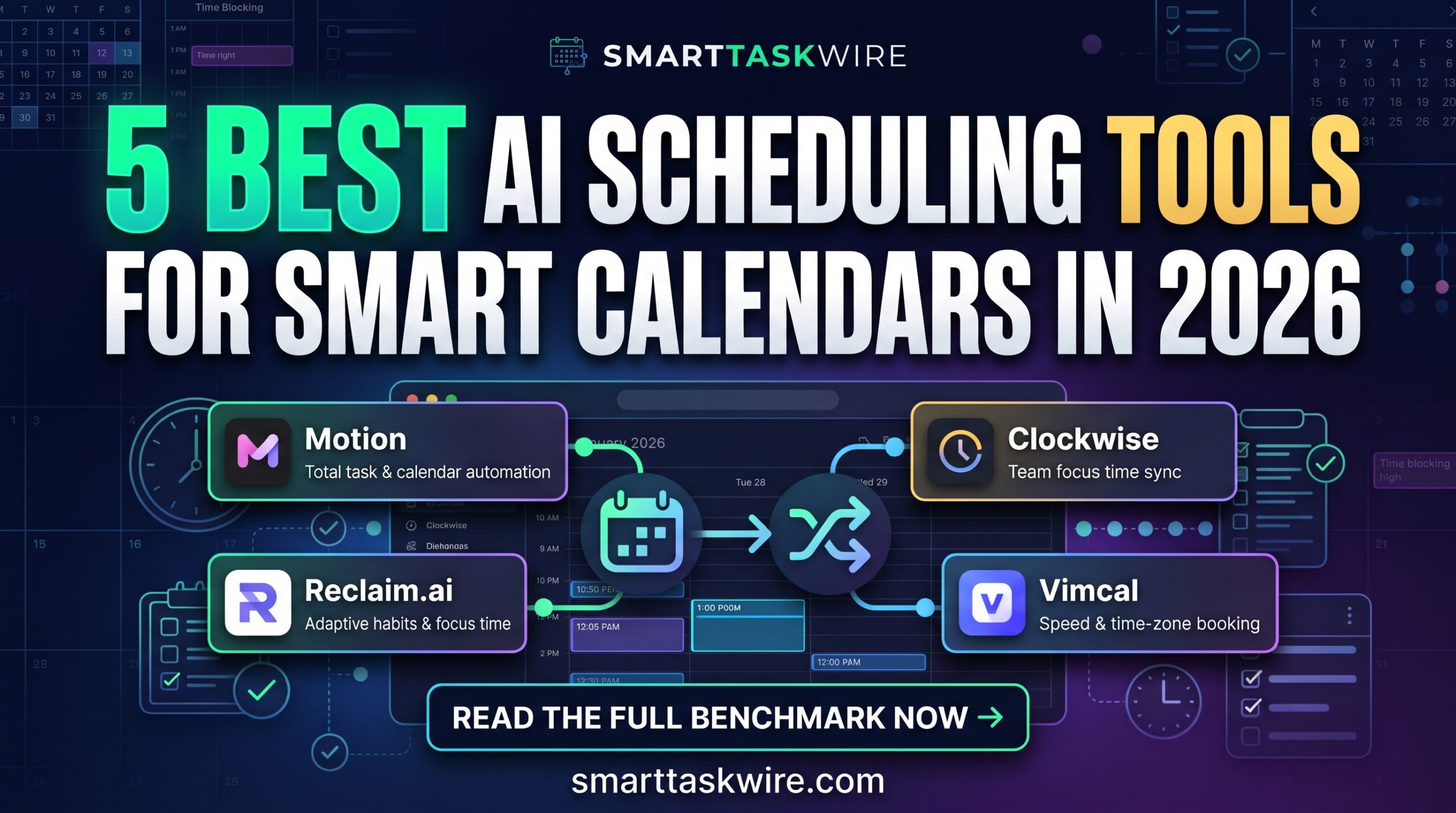
Best AI Scheduling Tools in 2026: 5 Smart Calendar Apps
Table of Contents
Finding the best AI scheduling tools is the ultimate solution when back-to-back meetings, sudden task requests, and chaotic to-do lists wreck your calendar before noon. Manual time blocking works until an unexpected client call lands—leaving you shuffling calendar blocks manually instead of getting real work done.
In 2026, the best AI scheduling tools have evolved beyond simple booking link platforms. Modern smart calendars use predictive optimization algorithms to auto-schedule your tasks around meetings, dynamically reschedule missed deadlines, protect deep focus hours, and balance team availability automatically.
We evaluated dozens of autonomous calendar managers to find the best AI scheduling tools for freelancers, busy managers, and high-output teams.
Quick Comparison: Top AI Smart Calendars
| Tool | Best For | Core Highlight | Pricing |
| Motion | Full Task & Calendar Automation | Combines project management with algorithmic scheduling | From $19/mo |
| Reclaim.ai | Habits & Flexible Focus Time | Protects recurring personal habits and task buffers | Free / $8/mo Pro |
| Clockwise | Distributed Team Synchronization | Creates uninterrupted team focus blocks and resolves conflicts | Free / $6.75/user/mo |
| Morgen | Multi-Calendar Power Users | Unifies Outlook, Google, and Apple with offline task trays | Free / $9/mo Pro |
| Vimcal | Executive Speed & Time-Zone Booking | Keyboard-first scheduling with rapid timezone conversion | Free tier / $15/mo |
1. Motion: The Best AI Scheduling Tools Leader for Total Automation
Best for: Professionals who want an algorithm to build their daily schedule without manual planning.
If you are looking for the best AI scheduling tools to handle both your task backlog and calendar appointments, Motion is the benchmark platform. Rather than forcing you to decide when to tackle every to-do item, Motion takes your task priority, deadline, and estimated duration, then slots it into your open calendar hours automatically.
- Key Strengths:
- Dynamic Rescheduling: If an urgent call runs over, Motion automatically shuffles your remaining tasks to the next open window without breaking deadlines.
- Unified Project Tracker: Replaces standalone task managers by embedding your Kanban boards and client projects directly into your schedule.
- Booking Link Defense: Your external booking links automatically adapt around your high-priority deep work blocks.
- Drawback: Higher price point compared to simple booking utilities.
- Pricing: Starts at $19/month (billed annually) for individual users, with team plans available.
For hands-off daily organization, Motion remains one of the best AI scheduling tools available.
2. Reclaim.ai: The Best AI Scheduling Tools Choice for Habits and Focus Time
Best for: Knowledge workers struggling to protect exercise, lunch, inbox processing, and uninterrupted deep work.
Many people consider Reclaim.ai among the best AI scheduling tools because it treats calendar blocks as dynamic rather than rigid bricks. You tell Reclaim your habits (e.g., “Hit the gym 3 days a week between 12 PM and 3 PM”), and it schedules them dynamically. If a teammate needs that slot, Reclaim automatically yields the time and moves your workout to another available window.
- Key Strengths:
- Adaptive Time Buffers: Adds decompression travel and buffer time between meetings automatically.
- Task Syncing: Syncs tasks from Asana, ClickUp, Linear, and Todoist directly into your Google Calendar.
- Smart 1:1 Meetings: Automatically identifies and reserves ideal recurring meeting times for two busy schedules.
- Drawback: Primarily built around Google Calendar ecosystems.
- Pricing: Generous free plan available; Starter plans start at $8/month.
For protecting your work-life boundaries, Reclaim is one of the best AI scheduling tools for Google Calendar users.
3. Clockwise: The Best AI Scheduling Tools Option for Teams
Best for: Companies and departments drowning in fragmented calendar sprawl.
When evaluating the best AI scheduling tools for cross-functional corporate teams, Clockwise consistently leads. Fragmented calendars cost teams hours of productive work every day. Clockwise coordinates schedules across your entire organization, automatically moving flexible internal meetings to create large, uninterrupted “Focus Time” blocks for everyone.
- Key Strengths:
- Focus Time Creation: Groups disjointed 30-minute gaps into consolidated 2-hour stretches of deep work.
- Team Availability Dashboards: Displays team bandwidth and avoids scheduling over teammates in different time zones.
- Slack Integration: Automatically sets your Slack status to “Focusing” or “In a Meeting” based on real-time activity.
- Drawback: Delivers the highest value when an entire department adopts it together.
- Pricing: Free basic tier; Team plans start at $6.75 per user/month.
If fragmented calendars are hurting team output, Clockwise is the best AI scheduling tools solution for collective productivity.
4. Morgen: The Best AI Scheduling Tools App for Multiple Accounts and OS Platforms
Best for: Freelancers and consultants juggling separate work, personal, and client calendars.
If your schedule is split across multiple ecosystems—like a corporate Outlook account, a personal Google Calendar, and an Apple iCloud calendar—Morgen is one of the best AI scheduling tools you can deploy. It unifies all accounts into a sleek desktop and mobile app with native task trays.
- Key Strengths:
- Cross-Platform Compatibility: Native desktop applications for Windows, Mac, and Linux, paired with mobile apps.
- Multi-Account Fusion: Strips double-booking risks by checking real-time availability across every connected calendar profile.
- Integrated Task Dock: Drag tasks directly onto your calendar timeline to manually or algorithmically block hours.
- Drawback: Advanced automated scheduling workflows require the Pro tier.
- Pricing: Free plan with basic integrations; Pro tier is $9/month.
For consolidating messy multi-platform calendars, Morgen provides the best AI scheduling tools workspace on desktop.
5. Vimcal: The Best AI Scheduling Tools Experience for High-Velocity Executives
Best for: Executives, investors, and operators who live by keyboard shortcuts and manage multiple time zones.
Dubbed the “Superhuman of calendars,” Vimcal is designed for sheer operational speed. While not an autonomous background engine like Motion, it is widely recognized as one of the best AI scheduling tools for scheduling meetings in seconds without touching a mouse.
- Key Strengths:
- Global Time Zone Converter: Type any city or country name to instantly project calendar slots across international zones.
- Quick Availability Copy: Drag three open time slots and hit a shortcut to paste polite, formatted availability directly into your emails.
- Lightning Fast: Instant load times with zero interface lag.
- Drawback: Focuses on appointment coordination rather than autonomous project task placement.
- Pricing: Free mobile trial; desktop access starts at $15/month.
When meeting speed and international scheduling are your daily reality, Vimcal is the best AI voice to text and calendar scheduling companion.
How to Integrate the Best AI Scheduling Tools into Your Stack
Using the best AI scheduling tools delivers compounding efficiency when linked with the rest of your automation setup:
- Clear Your Inbox: Connect your scheduling links with the apps from our Best AI Email Assistants guide to handle meeting requests without back-and-forth emails.
- Dictate Rapid Tasks: Use voice-first capture to speak tasks straight into your smart calendar (see our breakdown of the Best AI Voice to Text Tools).
- Automate Your Morning: Feed your AI-scheduled calendar directly into our Automated Daily Briefing Workflow to receive an executive agenda every morning.
Switching to the best AI scheduling tools eliminates manual time blocking and protects your focus hours automatically.