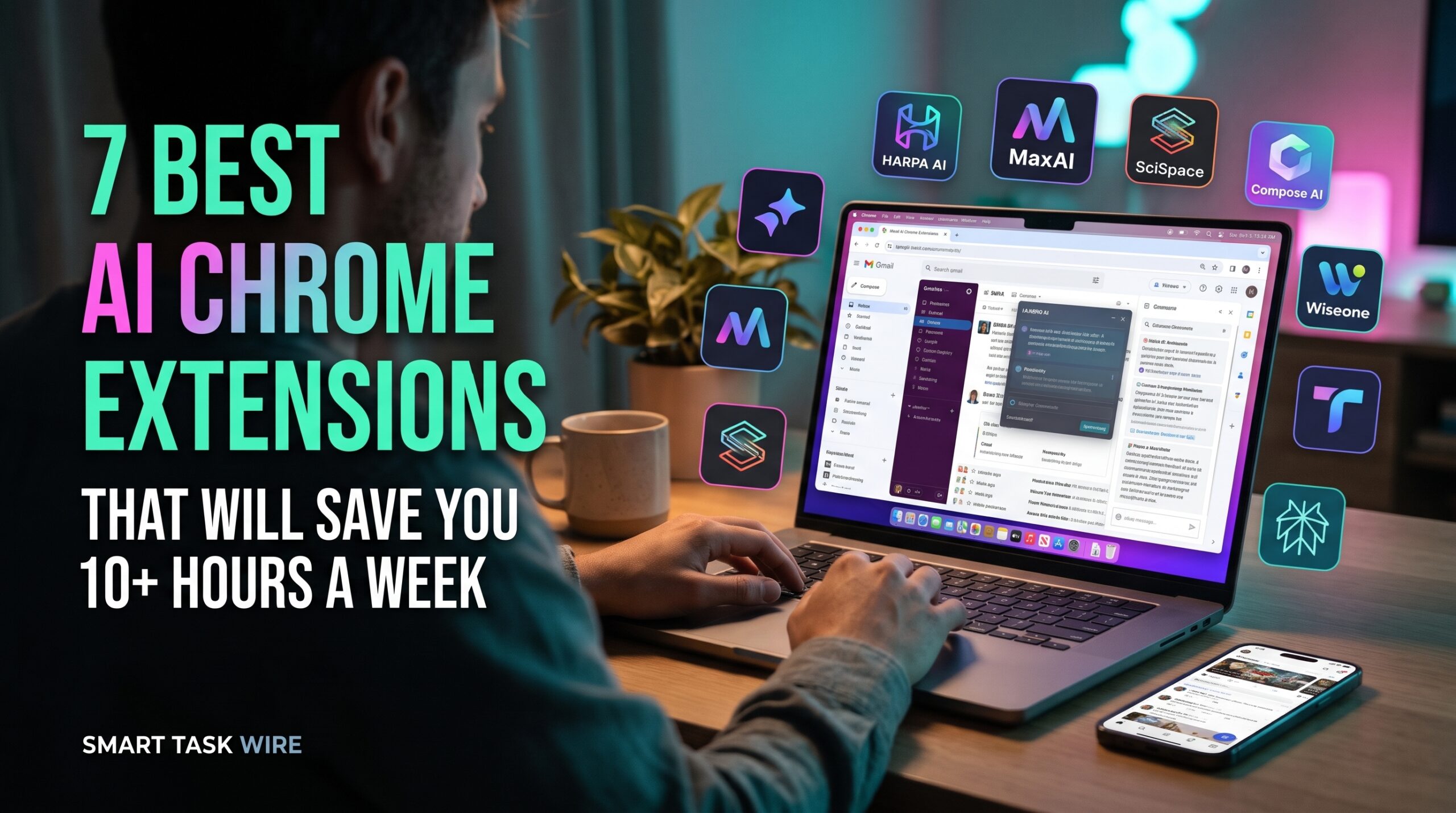
Finding the best ai chrome extensions has become essential for anyone looking to eliminate repetitive digital busywork and reclaim hours of productivity every week. Most knowledge workers waste massive amounts of time toggling between browser tabs, drafting repetitive email follow-ups, and manually skimming 40-minute articles just to extract two bullet points of actionable data.
Instead of opening standalone generative applications every time you need assistance, integrating the best ai chrome extensions directly into Google Chrome allows you to summarize data, compose messages, write code, and extract web tables inline on the active webpage.
Whether you manage research pipelines, customer support tickets, or web analytics, selecting the right browser tools makes an immediate difference. Here is an in-depth benchmark of the seven top-rated browser add-ons tested for execution speed, contextual awareness, memory footprint, and practical utility.
Why Modern Knowledge Workers Need the Best AI Chrome Extensions
Table of Contents
Standalone AI web interfaces are powerful, but they disrupt focus. Every time you switch windows to copy a paragraph, paste it into an AI chat prompt, and paste the answer back, you suffer cognitive switching friction.
The best ai chrome extensions solve this issue by executing prompts natively within your browser’s Document Object Model (DOM). They understand the context of the page you are viewing—whether it is a Jira ticket, a LinkedIn post, or a lengthy PDF—and execute commands through keyboard shortcuts or floating sidebars.
By deploying the right browser extensions, you eliminate window clutter and execute complex document extraction tasks directly where you work.
1. HARPA AI: The Hybrid Web Automation and Browser Copilot
HARPA AI blends generative AI text intelligence with advanced robotic process automation (RPA), making it one of the most versatile browser extensions available.
- Primary Strength: Autonomous page tracking, website data scraping, and custom hybrid automation.
- How It Operates: HARPA runs locally as a sidebar copilot. You can connect it to OpenAI API keys or local LLM instances. It analyzes web pages, extracts structured data tables, and executes multi-step web routines with a single keyboard shortcut.
- Key Feature: Automated Page Monitoring. You can instruct HARPA to monitor any webpage element (such as competitor pricing, inventory changes, or job postings) and receive automated alerts or webhook pings when content changes.
- External Resource: Explore automation templates and browser commands on the official HARPA AI Portal.
- Pricing Structure: Free tier provides broad access to core automations; paid plans unlock cloud runs and expanded execution quotas.
2. MaxAI.me: Universal One-Click Writing and Web Summarization
MaxAI.me brings multi-model intelligence directly to any text field across Google Chrome without requiring model switching.
- Primary Strength: Instant text re-writing, email drafting, and split-second webpage reading.
- How It Operates: Highlight any text on the web, press your chosen hotkey, and a floating context menu appears. You can prompt the AI to rewrite in a professional tone, translate languages, or extract counterarguments instantly.
- Key Feature: Multi-Model Flexibility. Users can switch between leading frontier language models directly within the sidebar without juggling multiple subscriptions.
- Internal Resource: Pairs naturally with dedicated AI email assistants to maintain an organized inbox.
- Pricing Structure: Free trial with daily prompts; monthly subscriptions start around $19/month for unlimited runs.
3. Merlin AI: Full-Featured Web, PDF, and YouTube Summarizer
Merlin AI stands out for users who consume large volumes of multimedia content, video lectures, and technical papers daily.
- Primary Strength: Multi-platform web synthesis and video breakdown.
- How It Operates: When you open a YouTube tutorial or technical webinar, Merlin generates a timestamped summary and transcript alongside the player, letting you read key takeaways in twenty seconds without watching a 30-minute clip.
- Key Feature: Direct PDF Chat in Browser. Drag local PDFs directly into the browser viewport to interrogate documents without uploading them to third-party web portals.
- Internal Resource: For heavier academic literature analysis, review our guide on the best AI research tools for PDF analysis.
- Pricing Structure: Free tier grants daily query credits; Pro tiers begin at $14.25/month.
4. Compose AI: Autonomous Autocomplete and Sentence Completion
If you spend your day typing emails in Gmail, updates in Slack, or cards in Notion, Compose AI accelerates text input via intelligent autocomplete.
- Primary Strength: Contextual inline text prediction and writing acceleration.
- How It Operates: As you type in any browser text area, Compose AI predicts the rest of your sentence in light gray text based on previous context. Press the
Tabkey to accept the suggestion. - Key Feature: Contextual Email Reply Generation. Inside Gmail, Compose AI reads incoming email chains and offers three distinct one-click reply options (e.g., “Agree & schedule call”, “Decline politely”, or “Request more details”).
- Pricing Structure: Generous free version with core autocomplete features; premium subscriptions for custom enterprise styles.
5. SciSpace Copilot: Demystifying Complex Academic and Technical Webpages
SciSpace Copilot brings technical document comprehension directly to your research tabs, decoding dense jargon on the fly.
- Primary Strength: Explaining difficult scientific literature, financial prospectuses, and math equations.
- How It Operates: Highlight any confusing paragraph, medical term, or math equation on a web page or PDF, and SciSpace opens a side drawer explaining the underlying concept in plain, simple terms.
- Key Feature: Mathematical Formula Breakdown. You can draw a crop box around a mathematical equation on any research page, and the extension breaks down what each variable means.
- Pricing Structure: Free tier provides core interactive reading tools; premium plans include unlimited document chats.
6. Monica: The All-in-One Sidebar for Web Chat, Translation, and Search
Monica is built for power users who want a unified productivity dashboard running alongside their everyday browsing sessions.
- Primary Strength: Multi-tool desktop utility containing chat, translation, image tools, and search assistance.
- How It Operates: Monica stays docked in your right browser margin. Whenever you run a search query on Google or Bing, Monica queries frontier AI models simultaneously and displays synthesized summaries right next to organic search results.
- Key Feature: ChatPDF and Web Page Q&A. Ask specific questions about long blog posts or legal documentation without scrolling through pages of text.
- Pricing Structure: Free daily credits; pro plans provide high-speed model access starting at $9.90/month.
7. Magical: Effortless Autofill and Cross-App Data Entry
Magical automates the manual copy-and-paste routine required when transferring contact lists, lead profiles, and spreadsheet rows across web apps.
- Primary Strength: Automated form filling, CRM population, and browser-to-sheet data transfer.
- How It Operates: Magical identifies structured data on webpages (like names, phone numbers, and company titles) and auto-populates them into Google Sheets or CRM fields with a single click.
- Key Feature: No-Code Spreadsheet Sync. Build custom lead lists by scraping web profiles directly into linked sheets without touching an API or writing code.
- Internal Resource: To connect scraped data to automated spreadsheets, see our guide on how to automate Excel and Google Sheets with AI.
- External Resource: Install the official verified extension from the Google Chrome Web Store.
- Pricing Structure: Free for standard personal data entry; team workspace tiers available for shared templates.
Feature Comparison: The Best AI Chrome Extensions Compared
To find the right tool for your routine, review this side-by-side comparison:
| Extension Name | Primary Capability | Model / Engine | Best Practical Use Case | Free Tier Availability |
| HARPA AI | Web RPA & Scraping | Hybrid / BYO API | Price tracking & automated web actions | Generous Free Tier |
| MaxAI.me | Inline Writing & Rewrite | Multi-Model | Instant text editing across any website | Free Trial Available |
| Merlin AI | Video & Document Summaries | GPT-4o / Claude | YouTube breakdowns & fast reading | Daily Free Queries |
| Compose AI | Tab-to-Complete Typing | Proprietary NLP | Email replies & drafting inside Gmail | Free Core Features |
| SciSpace Copilot | Academic & Technical Help | Custom Scientific | Breaking down math formulas & whitepapers | Free Basic Tier |
| Monica | Multi-Tool Sidebar & Search | Multi-Model | Dual-pane search summaries & translation | Daily Free Tier |
| Magical | Data Transfer & Autofill | Native Automation | Transferring web data to Google Sheets | Free Tier Included |
How to Avoid Browser Slowdowns When Running AI Extensions
Running too many extensions at once can consume excessive memory and slow down page loading times. To optimize your setup:
- Pick Specialized Tools: Do not install three extensions that perform the same writing tasks. Keep one dedicated writing tool (like MaxAI or Compose AI) and one automation tool (like HARPA).
- Manage Extension Permissions: Set extensions to run “On Click” rather than “On All Sites” if you only use them occasionally.
- Draft in Second-Brain Apps First: For long-form writing or sensitive client data, keep initial work inside dedicated AI note-taking systems before transferring text to browser interfaces.
Frequently Asked Questions About the Best AI Chrome Extensions
Do AI Chrome extensions slow down browsing speed?
Only if you keep multiple heavy sidebars active on every open tab simultaneously. High-quality tools like HARPA and Compose AI run efficiently and only consume resources when engaged via shortcuts.
Are browser extensions safe for sensitive company data?
You should always verify privacy terms. Reputable tools provide opt-outs to ensure your queries are not used for public model training. For highly confidential documents, use tools that support local offline processing or direct API keys.
Can I run these extensions on Brave, Edge, or Opera?
Yes. Because Microsoft Edge, Brave, and Opera are built on the Chromium engine, you can install any of these tools directly from the Chrome Web Store.
Final Verdict
Integrating the best ai chrome extensions into your daily browsing environment eliminates hours of mundane copying, pasting, and reading.
- If you need advanced web automation and element tracking, install HARPA AI.
- If you want fast inline writing and email composition, set up Compose AI or MaxAI.me.
- If you read dense technical content or watch long video webinars, activate Merlin AI.
By selecting the right extensions for your specific workflow bottlenecks, you can streamline your browser interactions and save significant time every week.