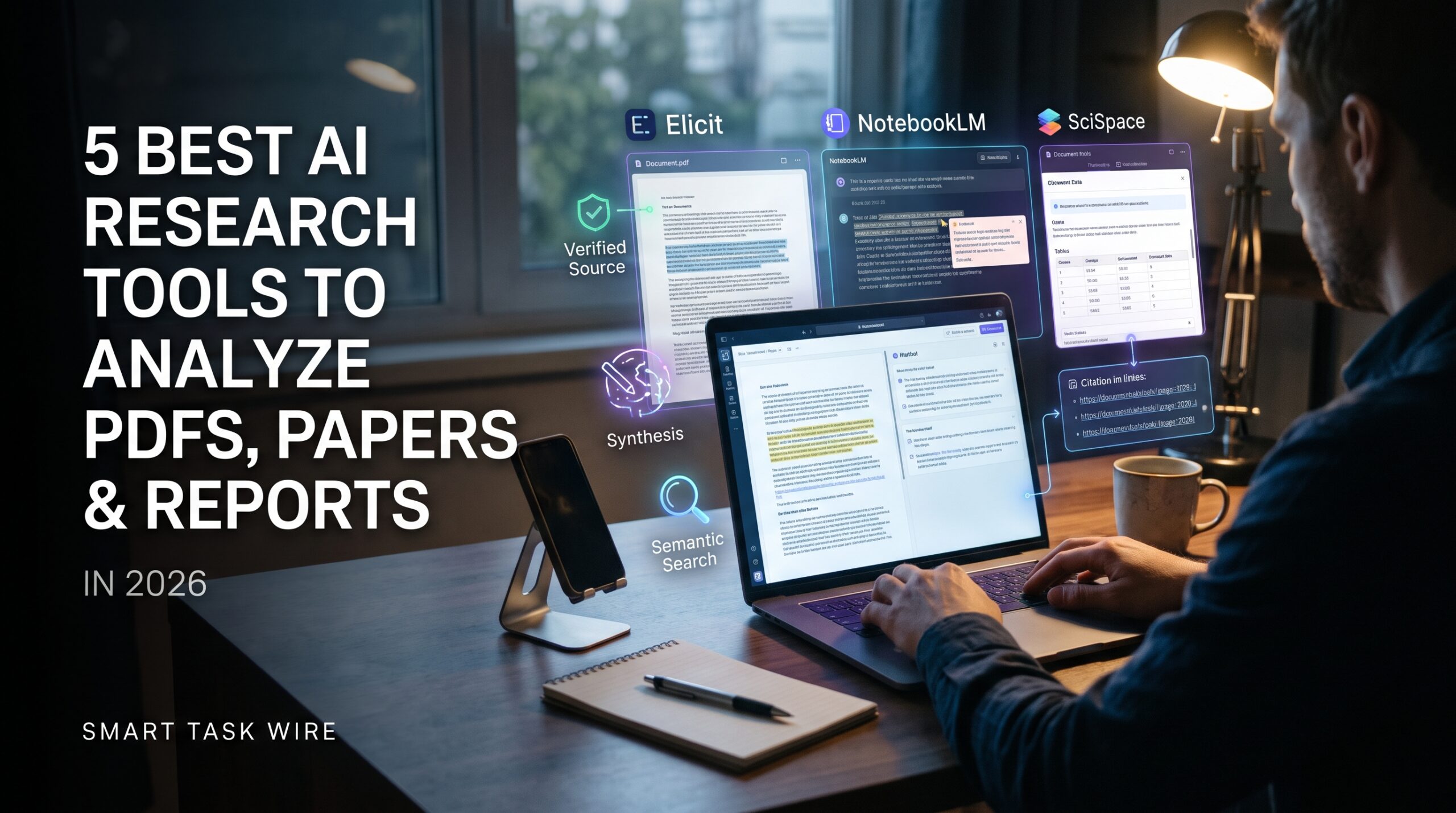
Finding the best ai research tools has become essential for analysts, graduate students, legal professionals, and founders who need to extract actionable data from massive document archives without losing days to manual reading. Facing a folder containing hundreds of pages of technical whitepapers, dense financial disclosures, regulatory filings, and academic studies can quickly overwhelm even the most disciplined researcher.
Traditional keyword search functions like Ctrl + F are too primitive for modern technical workflows because they require you to know the exact phrasing an author used. In contrast, deploying the best ai research tools introduces semantic understanding and source-grounded retrieval directly into your document library. Modern platforms extract verifiable citations, cross-reference multiple studies simultaneously, summarize complex methodology sections, and answer detailed queries without making up facts.
Whether you need to interrogate private corporate PDFs or map out thousands of peer-reviewed biomedical papers, selecting the right platform is critical. In this comprehensive benchmark, we test and rank the top five software options based on citation accuracy, multi-document synthesis, speed, and data privacy.
Why Modern Analysts Rely on the Best AI Research Tools
Table of Contents
Standard commercial chatbots frequently hallucinate quotes, invent citations, and struggle when fed technical mathematical formulas or dense tabular data. When a research project influences business investment decisions, medical literature reviews, or legal arguments, hallucinated answers are unacceptable.
When you switch to the best ai research tools, retrieval models operate under strict source-grounding constraints:
- Clickable Page-Level Citations: Every summary bullet and analytical claim is linked directly to the exact page, paragraph, and line of the source document so you can verify the context instantly.
- Semantic Cross-Document Synthesis: Instead of reading one file at a time, you can upload dozens of independent reports and ask the AI to map conflicting conclusions across authors.
- Mathematical and Tabular Extraction: Advanced document engines read balance sheets, regression charts, and data tables embedded in scanned PDFs without losing column formatting.
Deploying these smart tools cuts reading fatigue dramatically while improving the depth and rigor of your research.
1. Google NotebookLM: Best for Source-Grounded Document Synthesis
Google NotebookLM has established itself as one of the most reliable document analysis tools for handling complex PDF libraries without hallucination risks.
- Primary Strength: Strict source grounding, multi-file synthesis (up to 50 documents per notebook), and conversational audio overviews.
- How It Operates: You upload PDFs, Google Docs, copied text, or web links into a dedicated project notebook. NotebookLM builds a private index grounded exclusively in your uploaded material. When you ask a question, it answers using only your files, displaying clickable citation numbers that highlight the original passage.
- Standout Feature: “Audio Overviews.” With a single click, NotebookLM converts dense 50-page technical whitepapers into an engaging, multi-speaker podcast-style audio discussion that explains key findings in clear conversational language.
- Integrations: Direct syncing with Google Drive and Workspace accounts.
- Pricing Structure: 100% free with a standard Google account.
2. Consensus: Best for Evidence-Based Scientific Research and Consensus Meters
Consensus functions as an academic search engine powered by artificial intelligence, querying over 200 million peer-reviewed journal articles directly.
- Primary Strength: Instant scientific literature reviews with statistical consensus metrics.
- How It Operates: Type a research question in natural language (e.g., “Does creatine improve cognitive memory in older adults?”). Consensus searches published peer-reviewed journals, extracts the core conclusions, and presents a synthesized answer.
- Standout Feature: The “Consensus Meter.” This analytical widget reads all relevant studies and gives you a percentage breakdown of the scientific community’s stance (such as 85% Yes, 10% Possibly, 5% No), saving you from manually tabulating conflicting abstracts.
- External Resource: Search millions of peer-reviewed scientific papers directly on the official Consensus.app platform.
- Pricing Structure: Free tier provides unlimited searches; premium subscriptions start around $8.99 to $11.99/month for deep GPT-4-powered synthesis.
3. Elicit: Best for Automated Literature Reviews and Data Extraction Matrices
Elicit is engineered specifically for researchers, economists, and analysts who need to systematically extract data points across dozens of papers into structured comparison tables.
- Primary Strength: Automated research matrices, systematic data extraction, and methodology breakdown.
- How It Operates: When you search a topic or upload your own library of PDFs, Elicit creates an interactive spreadsheet. It automatically populates columns detailing sample sizes, methodologies used, outcomes measured, and study limitations for each paper.
- Standout Feature: Custom Data Extraction Columns. You can add custom prompts as spreadsheet columns (e.g., “What dosage was administered?” or “What was the p-value?”), and Elicit extracts those specific figures from every uploaded PDF automatically.
- Internal Resource: To manage and connect your research findings into a permanent personal knowledge archive, review our guide on the best AI note taking apps to build a second brain.
- Pricing Structure: Free basic tier offers starting credits; Pro plans start at $10 to $12/month for high-volume data extraction.
4. ChatPDF: Best for Quick, Lightweight Single-Document Interrogation
If you need to analyze a single contract, a 40-page annual report, or a legal lease agreement without configuring complex project workspaces, ChatPDF is the fastest option.
- Primary Strength: Zero-friction document uploading and instant Q&A chat interface.
- How It Operates: Drag and drop any PDF into the web browser. ChatPDF generates a concise 3-sentence summary alongside suggested follow-up questions within five seconds. You can then converse with the document as if you were messaging an assistant.
- Standout Feature: Multilingual Document Chat. You can upload a technical patent or research document written in German, Japanese, or French, and ask questions or receive translated summaries in clear English.
- Internal Resource: If you need to quickly summarize documents while browsing without opening separate tabs, check out the top AI Chrome extensions to save hours weekly.
- Pricing Structure: Generous free tier allows up to 2 PDFs daily (up to 120 pages each); Plus plan is $5/month for unlimited documents.
5. SciSpace: Best for Demystifying Difficult Academic Jargon and Math
SciSpace is designed to make complex academic literature accessible to students, junior analysts, and cross-functional professionals tackling unfamiliar scientific fields.
- Primary Strength: Inline text explanations, mathematical equation decoding, and multilingual paper reading.
- How It Operates: Upload a PDF or search SciSpace’s built-in repository of open-access papers. As you read, you can highlight any sentence, technical acronym, or complex paragraph to open a side drawer that explains the concept in plain English.
- Standout Feature: Formula and Table Copilot. You can drag a selection box directly over a dense mathematical formula or regression chart, and SciSpace explains what each variable represents and what the overall calculation proves.
- Internal Resource: Once you extract critical insights, you can present your findings to stakeholders using the best AI presentation tools to create slides.
- Pricing Structure: Free tier provides baseline reading tools; premium plans start at $12/month for unlimited AI copilot queries.
Feature Comparison: The Best AI Research Tools Compared
To identify which of the best ai research tools fits your specific analytical workflow, review this comparison:
| Platform | Primary Data Source | Core Analytical Strength | Citation Method | Ideal User Profile |
| NotebookLM | Your Uploaded Files | Multi-document synthesis & audio | Clickable Page Numbers | Analysts, Students & Writers |
| Consensus | 200M+ Journal Articles | Scientific consensus breakdown | Peer-Reviewed DOIs | Health & Policy Researchers |
| Elicit | Scientific Literature & PDFs | Systematic comparison tables | Extracted Study Quotes | Systematic Reviewers & Economists |
| ChatPDF | Single Uploaded PDFs | Fast, no-setup document Q&A | Paragraph Jump Links | Solopreneurs & Quick Readers |
| SciSpace | Academic Papers & Uploads | Demystifying math & dense jargon | Contextual Side Drawers | STEM Students & Cross-Discipline Teams |
Practical Tips for Accurate AI-Powered Document Analysis
To maintain research integrity and avoid errors when using the best ai research tools, adopt these operational safeguards:
- Always Click Through to Verify Citations: Never rely solely on an AI-generated summary paragraph for critical data points. Click the citation badge to confirm that the source text truly supports the claim.
- Use Negative Prompting for Better Grounding: When using custom chat interfaces, add the instruction: “Only answer using facts explicitly mentioned in the source file. If the answer is not in the text, state that the document does not contain this information.”
- Automate Your Morning Reading List: Pair your research workflows with an automated morning digest by learning how to build an automated daily briefing using AI to receive overnight study alerts.
- Export Clean Numbers to Spreadsheets: When extracting statistical datasets from whitepapers, feed the raw figures into tools that automate Excel and Google Sheets with AI to run regression models and clean tables quickly.
Frequently Asked Questions About the Best AI Research Tools
Are AI research tools better than standard ChatGPT for reading PDFs?
Yes. Standard chatbots often truncate long documents when context limits are reached and are prone to inventing citations. Dedicated research tools use specialized vector retrieval (RAG) that searches the entire file text and attaches verifiable page citations to every claim.
Is my private or proprietary research data secure?
Tools like Google NotebookLM do not use your private uploaded files to train public foundational models. However, always review corporate data retention guidelines before uploading proprietary clinical trial data or confidential legal contracts to third-party tools.
What is the best free tool to analyze research papers?
Google NotebookLM is the most powerful free tool because it allows you to upload up to 50 documents per notebook with zero subscription fees, providing grounded summaries and audio discussions at no cost.
Final Recommendation
Reading through dense documents no longer requires endless manual skimming and highlighting.
- If you need to synthesize insights across multiple private PDFs and audio summaries, start with Google NotebookLM.
- If you want to find peer-reviewed answers to scientific questions, search with Consensus.
- If you need to build structured comparison matrices across dozens of studies, use Elicit.
- If you just need a fast, reliable answer from a single PDF document, open ChatPDF.
Deploying the best ai research tools transforms how you interact with complex reports, helping you discover critical insights and verify evidence in a fraction of the time.
5 Best AI Research Tools to Analyze PDFs, Papers, and Reports in Seconds