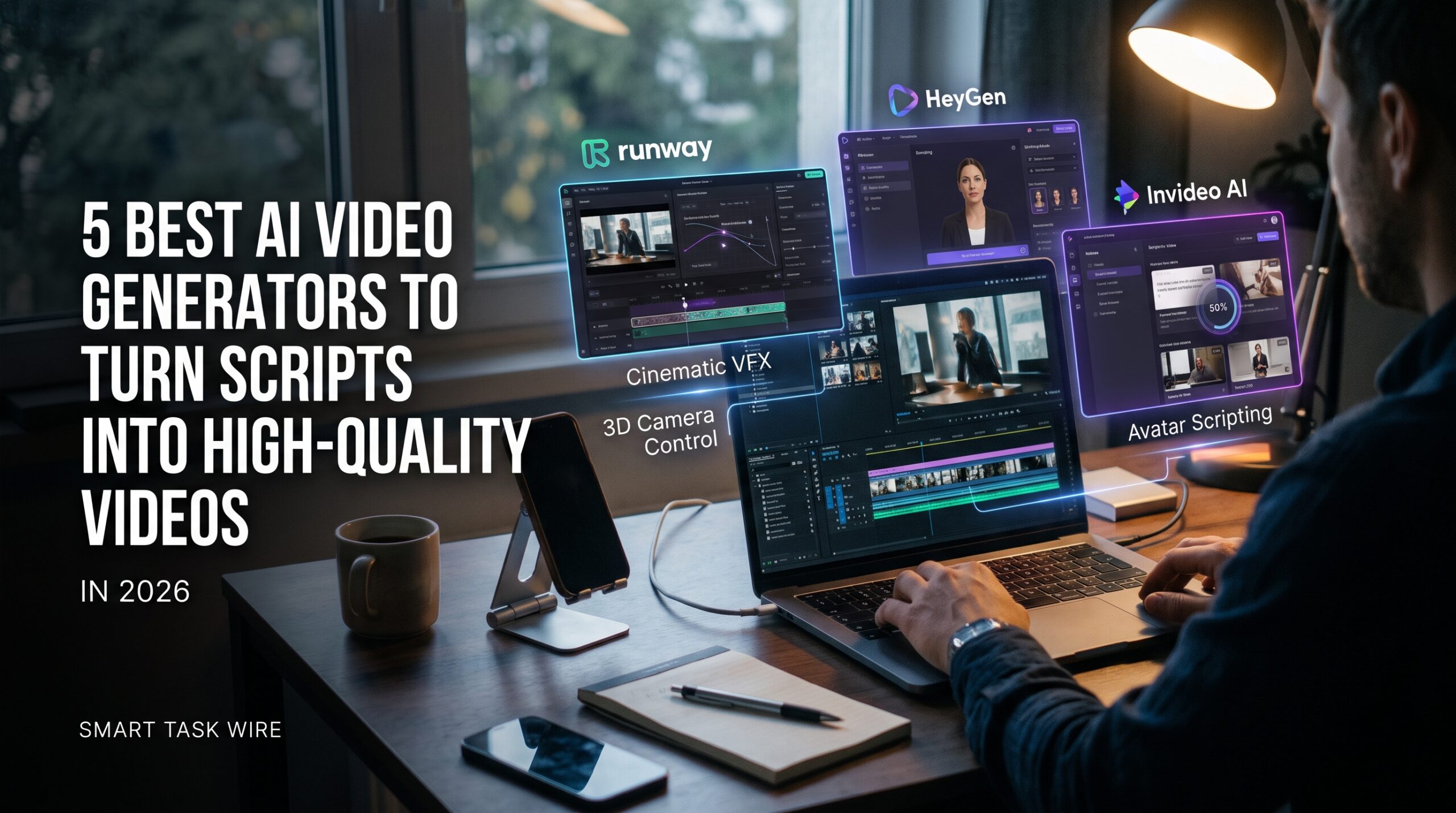
Finding the best ai video generators has become essential for content creators, marketing agencies, educators, and enterprise teams looking to produce high-performing visual assets without five-figure production budgets. Traditional filming demands physical studio rentals, high-end cameras, lighting equipment, voiceover actors, and dozens of hours inside manual post-production timeline suites.
The rapid maturation of text-to-video generative architectures has eliminated these operational barriers. Today, top-performing video creators use the best ai video generators to convert written scripts into cinematic b-roll, photorealistic digital avatar presentations, and automated social reels in minutes.
Whether you need Hollywood-grade visual effects or an automated workflow to produce YouTube Shorts at scale, selecting the right software is critical. In this comprehensive benchmark, we test and rank the five leading platforms evaluated for character consistency, physical motion accuracy, camera steering control, and export quality.
Why Modern Creators Rely on the Best AI Video Generators
Table of Contents
Video content consistently dominates organic social reach, ad conversions, and educational engagement. However, traditional video creation remains notoriously slow, and updating a single line of script often forces creators to reshoot entire scenes.
Modern platforms powered by the best ai video generators fall into two primary technical architectures:
- Diffusion-Based Cinematic Engines: Generative models that synthesize original scenes from text prompts or still images. These tools offer granular control over camera dynamics (pans, tilts, zooms), motion trajectories, and realistic environmental physics.
- Presenter & Avatar Production Suites: Application layers that map written text directly to photorealistic digital humans, complete with synchronized lip movement, authentic micro-expressions, and multi-language voice cloning.
Integrating these systems into your production pipeline allows you to iterate rapidly on creative concepts while drastically reducing turnaround times.
1. Runway (Gen-4.5): Best for Cinematic B-Roll and Director-Level Camera Control
Runway continues to set the benchmark for filmmakers, art directors, and creative agencies requiring granular visual fidelity and precise camera staging.
- Primary Strength: High-end cinematic camera controls, visual effects, and advanced multi-model generation workspaces.
- How It Operates: Runway transforms descriptive text prompts and still imagery into fluid, motion-stable video scenes. Rather than generating unguided visual loops, its Director Mode allows creators to control camera paths, pan speeds, and lens focal depths.
- Standout Feature: Motion Brush and Multi-Model Workspace. The Motion Brush lets you paint over specific areas in a frame (such as flowing water or drifting smoke) to animate only that element while keeping background structures locked in place. Its current platform also integrates third-party models alongside its native engine.
- Pricing Structure: Free tier with trial credits; Standard creator plans begin at $12/month.
- External Resource: Explore generative video workflows on the official Runway Gen Studio platform.
2. Google Veo 3.1: Best All-Round Cinematic Realism with Native Audio
Google DeepMind’s Veo has emerged as one of the most powerful all-around text-to-video diffusion engines, excelling at prompt adherence and multi-modal audio generation.
- Primary Strength: Native sound effects, ambient audio generation, and up to 4K video rendering.
- How It Operates: Powered directly within Gemini, Google Flow, and Vertex AI, Veo produces consistent 1080p and 4K video scenes directly from conversational prompts. Unlike early models that rendered silent footage, Veo synthesizes synchronized sound effects, background ambience, and dialogue natively with the visual clip.
- Standout Feature: Native Sound Generation & Prompt Adherence. Veo follows intricate physical instructions and generates environmental audio tailored to the on-screen action without requiring separate Foley sound design.
- Internal Resource: To organize complex prompts and narrative concepts before rendering, pair your generation workflow with dedicated AI note-taking systems.
- Pricing Structure: Accessible via Google AI tiers starting with free credits, Google AI Pro at $19.99/month, and enterprise Vertex AI endpoints.
3. HeyGen: Best for Photorealistic Avatar Presenters and Localization
If you require a digital spokesperson to deliver customer onboarding, video sales letters, or educational training without getting in front of a camera, HeyGen is the undisputed avatar leader.
- Primary Strength: Studio-quality synthetic avatars, realistic facial micro-expressions, and multi-language voice translation.
- How It Operates: Paste your written script, select an avatar from a diverse catalog of human presenters, and choose an authentic AI voice. HeyGen matches lip movements, head tilts, and breathing pauses to the rhythm of the spoken audio.
- Standout Feature: Instant Video Translation. HeyGen can take an existing recorded video and translate the speaker into over 175 languages and dialects while cloning the original voice and adjusting the mouth movements to match the translated language.
- Internal Resource: For creating visual presentation decks that support your avatar scripts, explore the best AI presentation tools to create slides.
- Pricing Structure: Free starter trial; creator plans start at $24–$29/month.
4. InVideo AI: Best Full Turnkey Prompt-to-Video Engine for Social Media
InVideo AI functions as an end-to-end autonomous video production crew designed for solo creators, social media managers, and YouTube automation channels.
- Primary Strength: Turning a single prompt into a fully edited, captioned video complete with voiceover and stock b-roll.
- How It Operates: Simply type a descriptive prompt (e.g., “Create a 60-second video on 5 morning productivity habits for entrepreneurs”). InVideo AI drafts the narrative script, selects relevant stock video clips, layers background music, generates natural voiceover audio, and applies kinetic animated subtitles.
- Standout Feature: Conversational Chat-Based Timeline Editing. You can modify the generated project using natural language commands (e.g., “Change the voiceover to an energetic Australian accent” or “Replace the third clip with a modern home office”), and the engine updates the edit instantly.
- External Resource: Test prompt-driven automated video editing on the verified InVideo AI Studio portal.
- Pricing Structure: Free tier with watermarked exports; paid creator subscriptions start at $20 to $25/month.
5. Kling AI: Best for Realistic Human Physics, Complex Motion, and Long Scenes
Developed to eliminate the awkward anatomical melting and morphing artifacts common in early generative engines, Kling AI leads the pack in complex physical simulation and long-form rendering.
- Primary Strength: Accurate human kinetics, complex motion handling, and extended 10- to 15-second native scene lengths.
- How It Operates: Kling uses advanced 3D spatial models to simulate real-world physical dynamics—such as cloth movement, water splashes, and walking mechanics—maintaining subject geometry across high-motion sequences.
- Standout Feature: Multi-Scene Continuity & 4K Output. Kling’s latest releases offer native 4K output, storyboard controls, and consistent multi-shot sequences that keep characters looking identical across consecutive shots.
- Internal Resource: If you need to summarize industry reports or source materials to draft your video scripts, review our benchmark of the best AI research tools for PDF analysis.
- Pricing Structure: Daily login credits on the free tier; Pro subscriptions start around $7 to $10/month.
Feature Comparison: The Best AI Video Generators Compared
To evaluate which of the best ai video generators aligns with your creative pipeline, review this comparison matrix:
| Tool Name | Core Specialization | Generation Architecture | Max Native Length | Best Practical Use Case |
| Runway (Gen-4.5) | Cinematic VFX & Camera Path | Text/Image Diffusion | 10 Seconds | High-end ads & creative film b-roll |
| Google Veo 3.1 | Realism & Native Audio | Multi-modal Diffusion | 8–16 Seconds | Commercial b-roll with sound effects |
| HeyGen | Photorealistic Talking Avatars | Synthetic Facial Video | Multi-Minute | Product explainers & tutorials |
| InVideo AI | Complete Turnkey Video Edits | Script-to-Timeline Editor | 15 Minutes | Fast YouTube Shorts & TikTok reels |
| Kling AI | Physical Motion & Anatomy | 3D Spatial Diffusion | 15 Seconds | Complex action shots & animation |
Step-by-Step: How to Integrate AI Video Tools Into Your Workflow
To achieve consistent results and avoid wasting generation credits when using the best ai video generators, adopt a disciplined production sequence:
- Lock Down the Script First: Write and polish your narrative before opening any video tool. Avatar platforms like HeyGen render much more naturally when sentences include natural punctuation pauses.
- Use High-Resolution Reference Images: Instead of relying entirely on raw text descriptions, feed high-resolution starter images into Runway or Kling to enforce consistent character features and color palettes.
- Automate Data-Driven Video Production: If you run an e-commerce catalog or publishing site, pair your video creation workflows with methods to automate Excel and Google Sheets with AI to batch-generate product video scripts row by row.
- Assemble in a Traditional Timeline: Render individual 5- to 10-second visual clips in Runway, Veo, or Kling, and then combine them inside a desktop NLE (like Premiere, Final Cut, or DaVinci Resolve) to add your final music mix and color grade.
Frequently Asked Questions About the Best AI Video Generators
Can AI video generators create commercial-ready content?
Yes. Platforms like Runway, Google Veo, and HeyGen provide commercial usage rights on their standard paid tiers, allowing generated footage to be used in paid advertising, television commercials, and monetized web channels.
Do I need a powerful computer with a dedicated GPU to generate AI videos?
No. All the platforms featured in this guide execute generation entirely on enterprise cloud GPU clusters. You can generate, edit, and export full HD and 4K videos using a basic laptop or web browser.
Which AI video generator is best for beginners?
InVideo AI is the most beginner-friendly tool because it handles scriptwriting, stock footage curation, voiceovers, and subtitle animations from a single conversational prompt without requiring manual timeline assembly.
Final Recommendation
Producing studio-quality video assets no longer demands massive budgets or dedicated film crews.
- If you need cinematic visual control and advanced camera steering, start with Runway.
- If you want hyper-realistic footage with native sound effects and dialogue, use Google Veo 3.1.
- If you need a lifelike digital spokesperson to deliver training or sales pitches, deploy HeyGen.
- If you want to turn an idea into a finished social media video with captions in one click, choose InVideo AI.
By deploying the best ai video generators strategically across your creative stack, you can produce consistent, high-impact videos at a fraction of traditional production costs.
5 Best AI Research Tools to Analyze PDFs, Papers, and Reports in Seconds